
It is useful for sharing documents, photos, videos and other files privately, reducing the exposure of sensitive information on mainstream platforms.
In the context of human rights defense, community communication and digital resistance, protecting the files we share is also a way of caring for the people and organizations we work with.
1. Access Wormhole from its official website
You don’t need to install any software or sign up.
- Open an up-to-date browser, such as Firefox or Chrome.
- Go to https://wormhole.app/.
- Check that the address is correct and uses HTTPS.
- Avoid links that imitate the official site.
You can use Wormhole from a computer, phone or tablet.
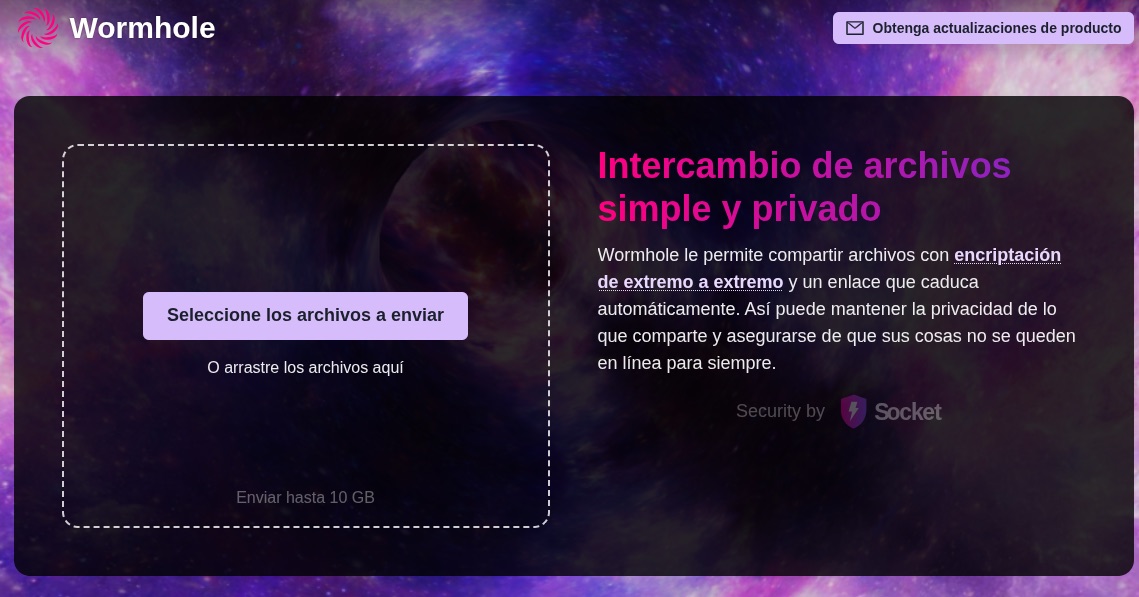
2. Select the files you want to share
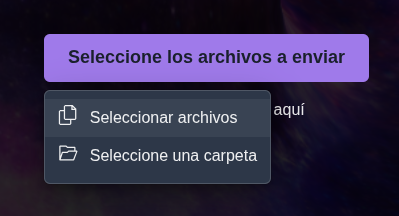
- On the main page, choose the option to add files.
- Find the document, photo, video or file you want to send.
- Select it and wait for Wormhole to process the transfer.
- Keep the page open until the upload finishes, especially when sharing large files.
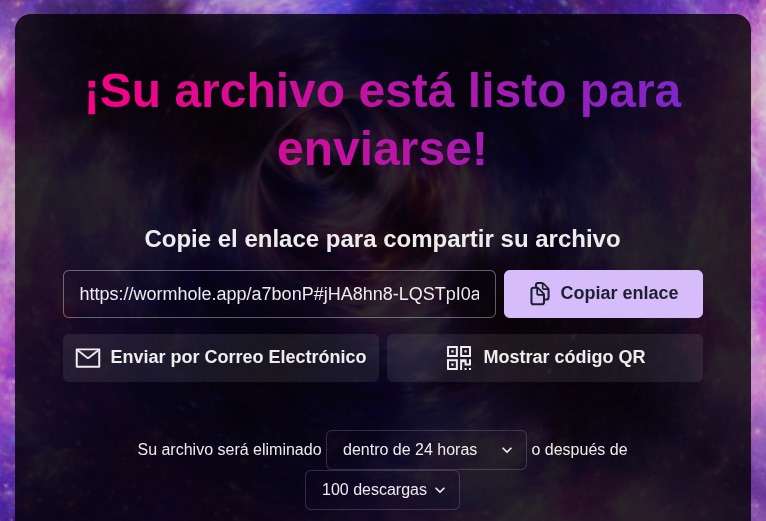
3. Share the link safely
Wormhole generates a unique link that gives access to the shared files.
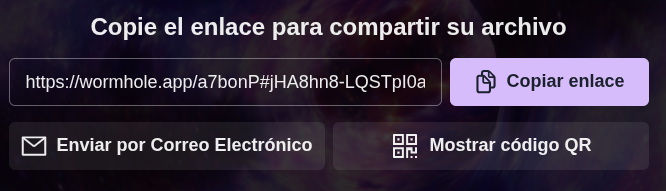
- Copy the generated link.
- Share it only with the people who need to receive the file.
- Preferably use a verified Signal conversation or another trusted encrypted channel.
- Confirm with the recipient that they received the correct link.
4. Take advantage of end-to-end encryption
Wormhole encrypts files in your browser before sending them, using 128-bit AES-GCM. This means the service is designed so that it cannot read the content of the stored files.
The decryption key is embedded in the fragment of the shared link and is not sent to the server as part of the web request.
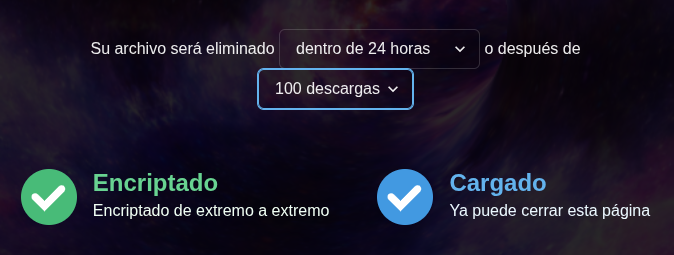
5. Use temporary links
Wormhole is designed for temporary transfers, not for storing documents permanently.
- Up to 5 GB: files are stored encrypted on its servers and deleted after 24 hours.
- Over 5 GB: a direct device-to-device transfer is used. You must keep the page open until the download is complete.
These features are described in the official documentation.
6. Check your files’ metadata
Although Wormhole encrypts files during transfer, it does not automatically remove the information they contain. A photo may include GPS coordinates, the date and the device model. A document may contain author names, comments, revisions or hidden information.
Before sharing:
- Review the file’s properties.
- Remove metadata that could identify people or places.
- Check that there are no comments or hidden information.
- Share only the version of the document that is needed.
7. Download files safely
If you receive a Wormhole link:
- Confirm that it comes from someone you know or trust.
- Check that the domain is wormhole.app.
- Open the link and review the available files.
- Download only the documents you were expecting.
- Avoid running unknown or suspicious files.
- Store sensitive files on a device protected with disk encryption.
8. Know Wormhole’s privacy limits
Wormhole offers important protections, but it is not an anonymity tool.
Its documentation describes end-to-end encryption, no advertising trackers and mechanisms to protect files. However, it does not guarantee that your IP address is hidden from every participant or component of the connection.
In addition, Wormhole is not fully free software: it publishes the code of its encryption implementation, but not all of the client and server code. This limits the possibility of independently auditing the service as a whole.
9. Make Wormhole part of your digital resistance practices
Sharing files safely doesn’t depend only on a tool, but on the care agreements we build collectively. Wormhole can be useful for:
- Sharing working documents without keeping permanent public links.
- Sending photos and videos of community activities.
- Exchanging large files among members of an organization.
- Transferring sensitive documentation, after assessing the risks and protecting personal data.