
1. Install Tella
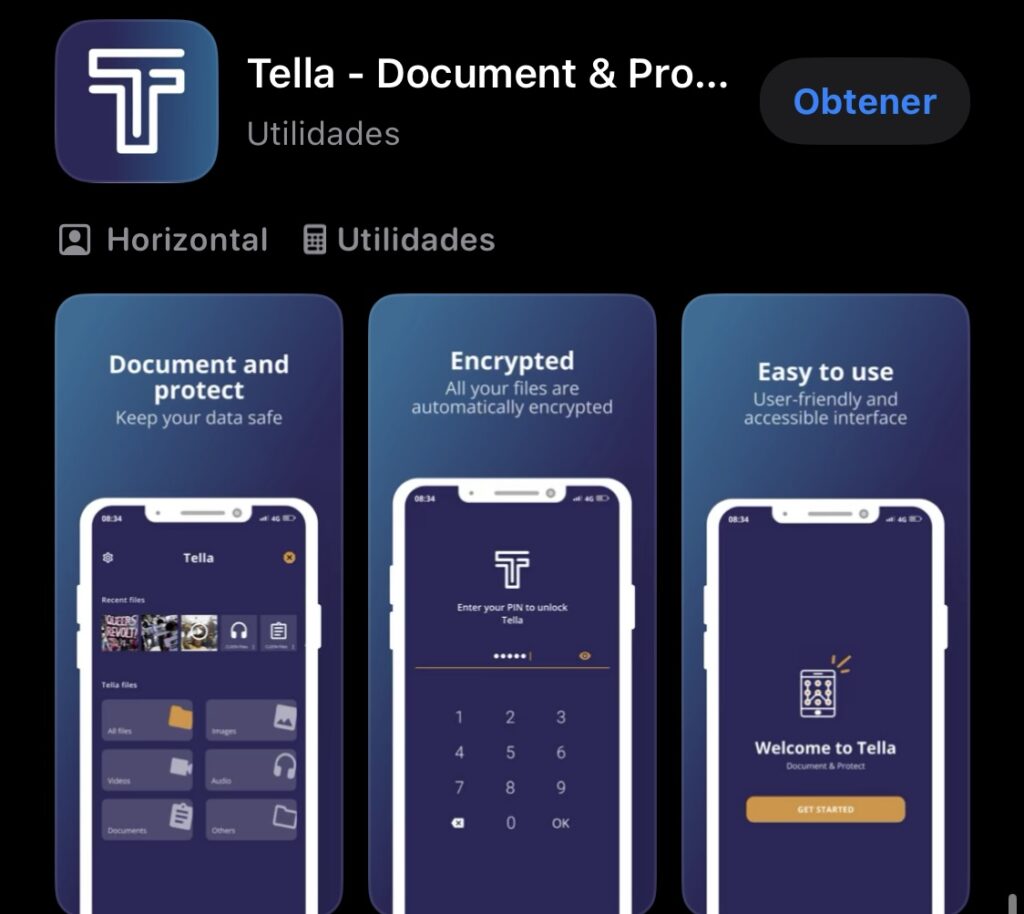
Download the app from Google Play, F-Droid or the App Store, and follow the installation steps for your device.
2. Set a password or PIN
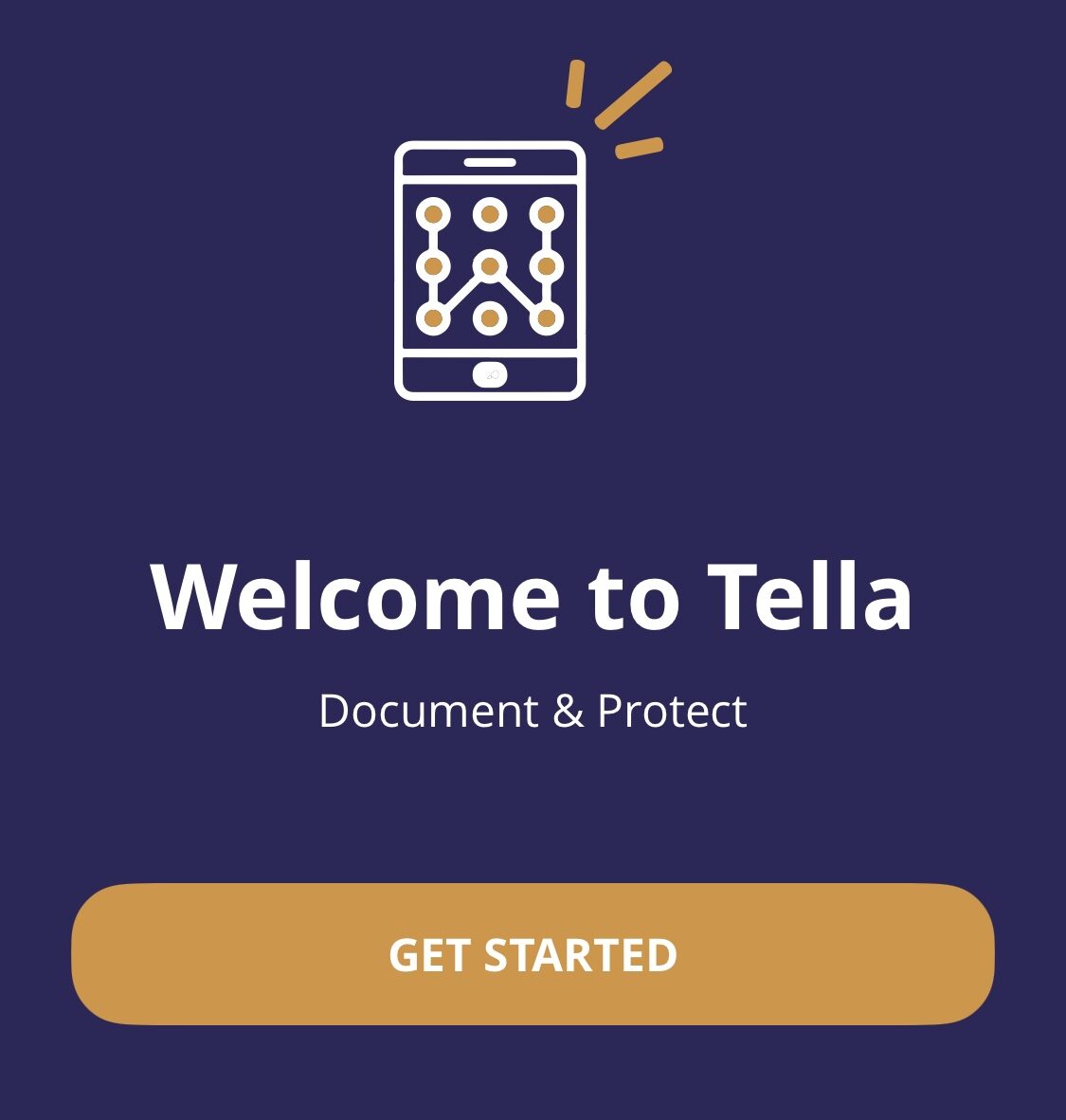
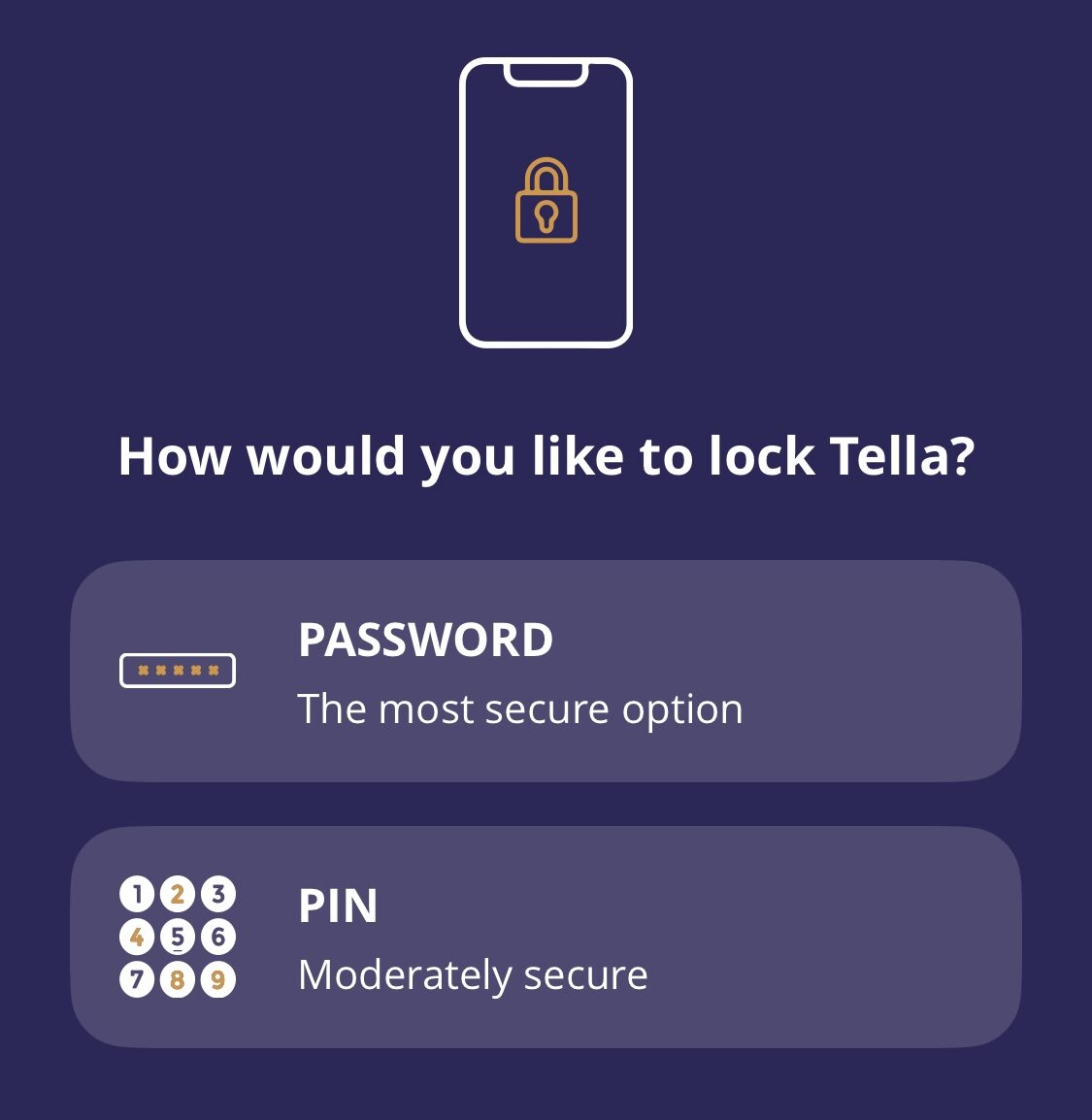
Open Tella and create a secure password or PIN. Avoid predictable combinations like names or birthdates.
If you forget the password or PIN, there is no way to get back into the app.
3. Grant permissions
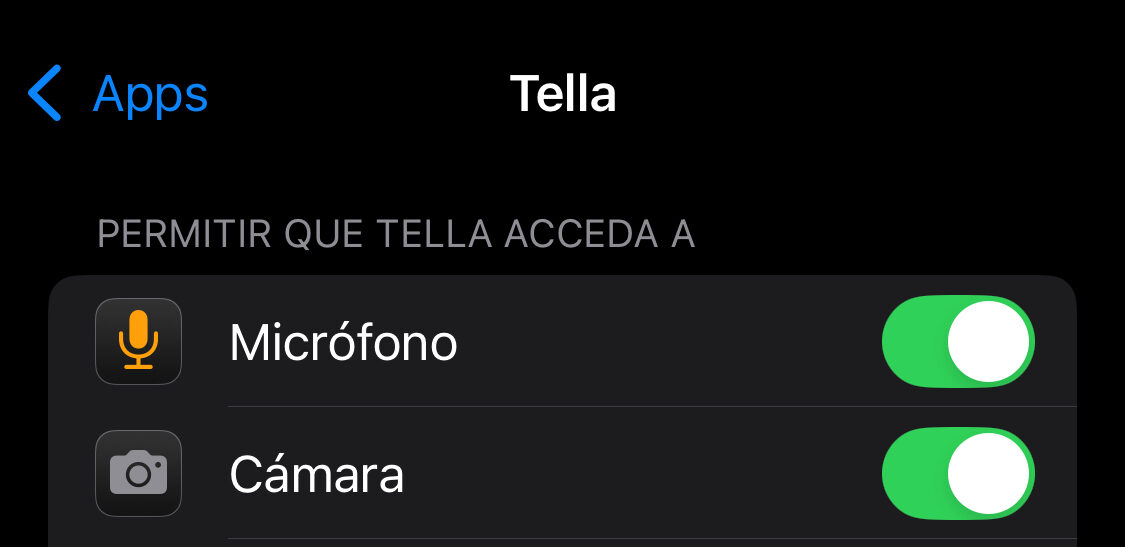
Allow Tella to access your camera, microphone and storage folders when prompted, or configure it manually from your device settings.
4. How it works
Everything you capture is encrypted immediately by Tella and won't appear in your device's gallery. Storage capacity depends on the space available on your device.
5. Organize files
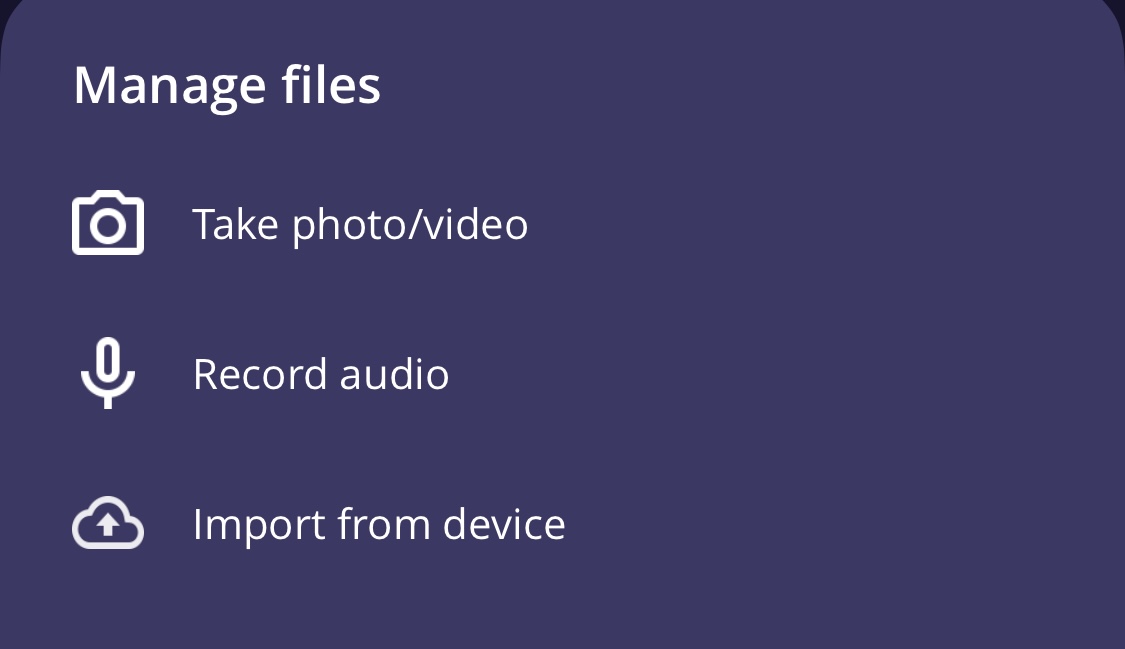
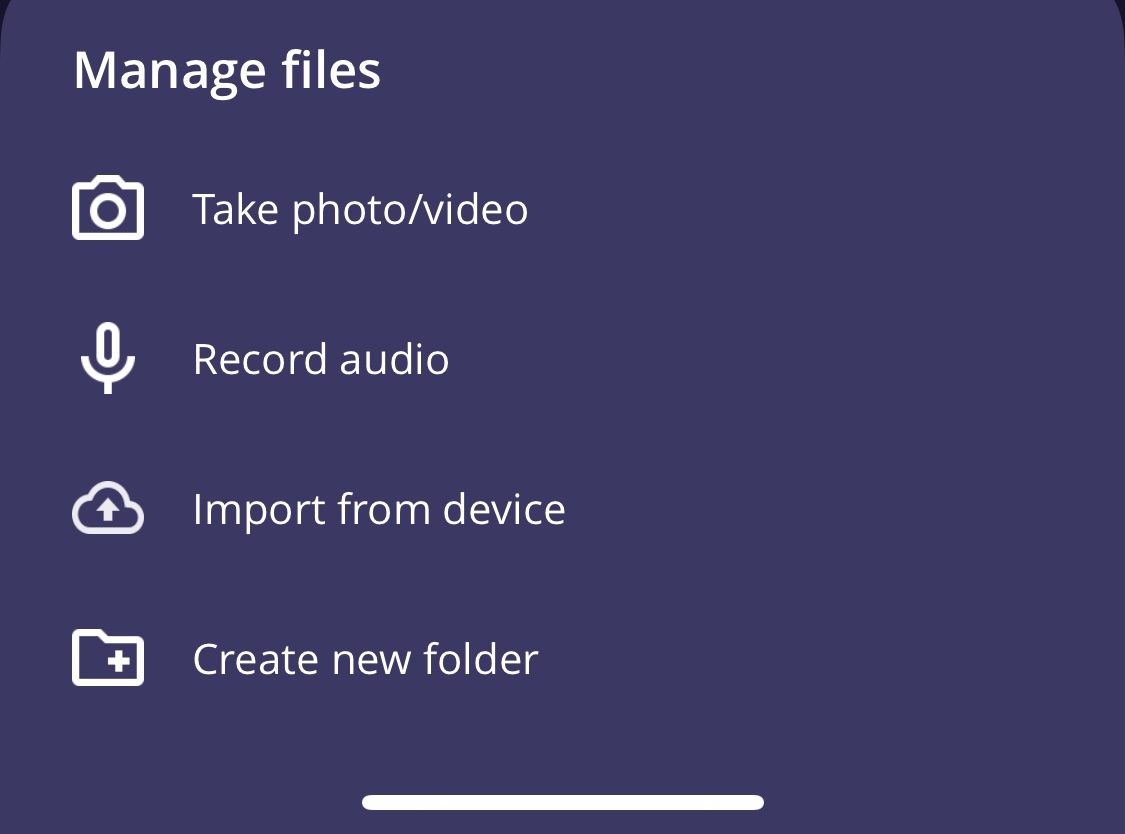
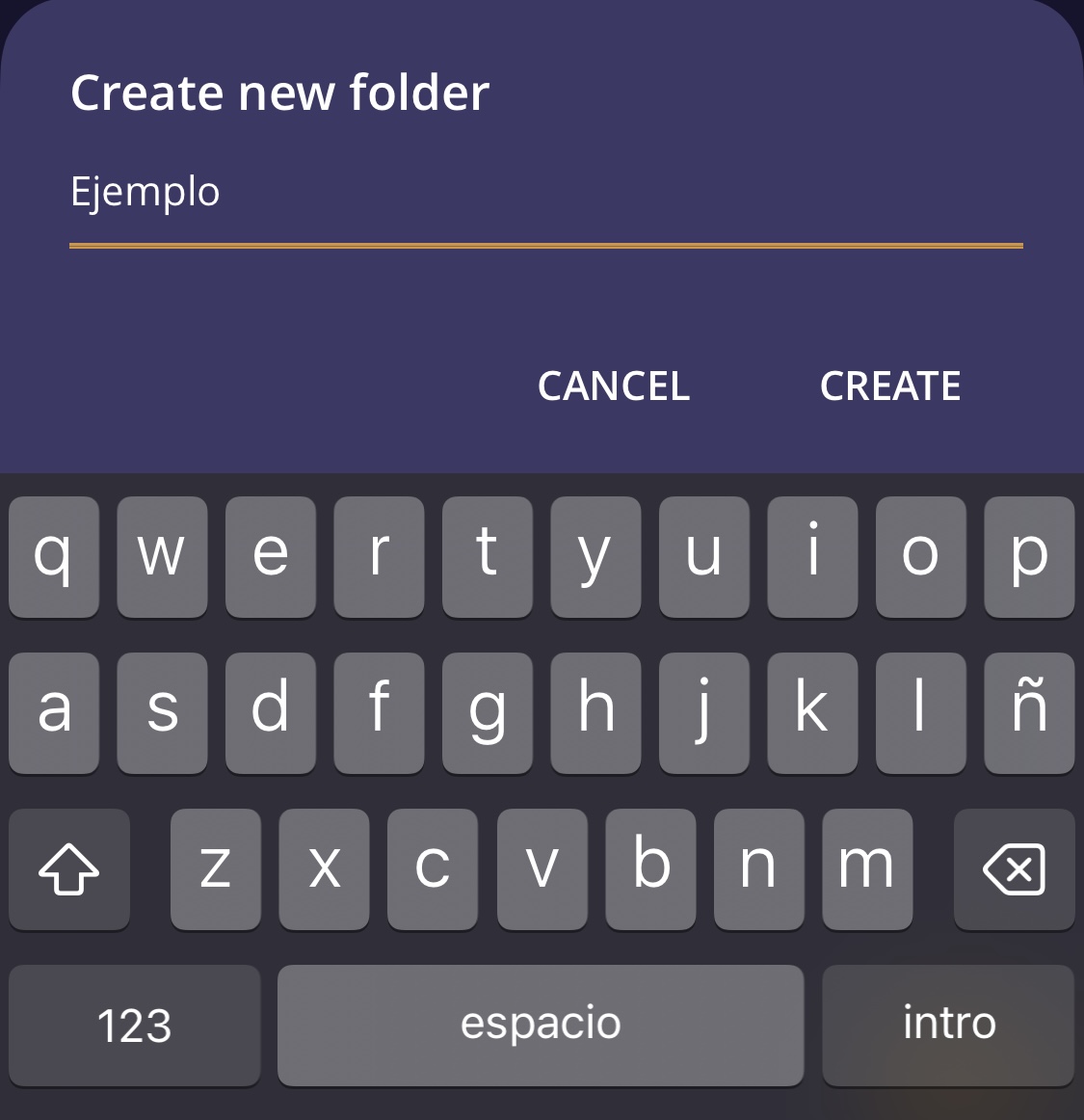
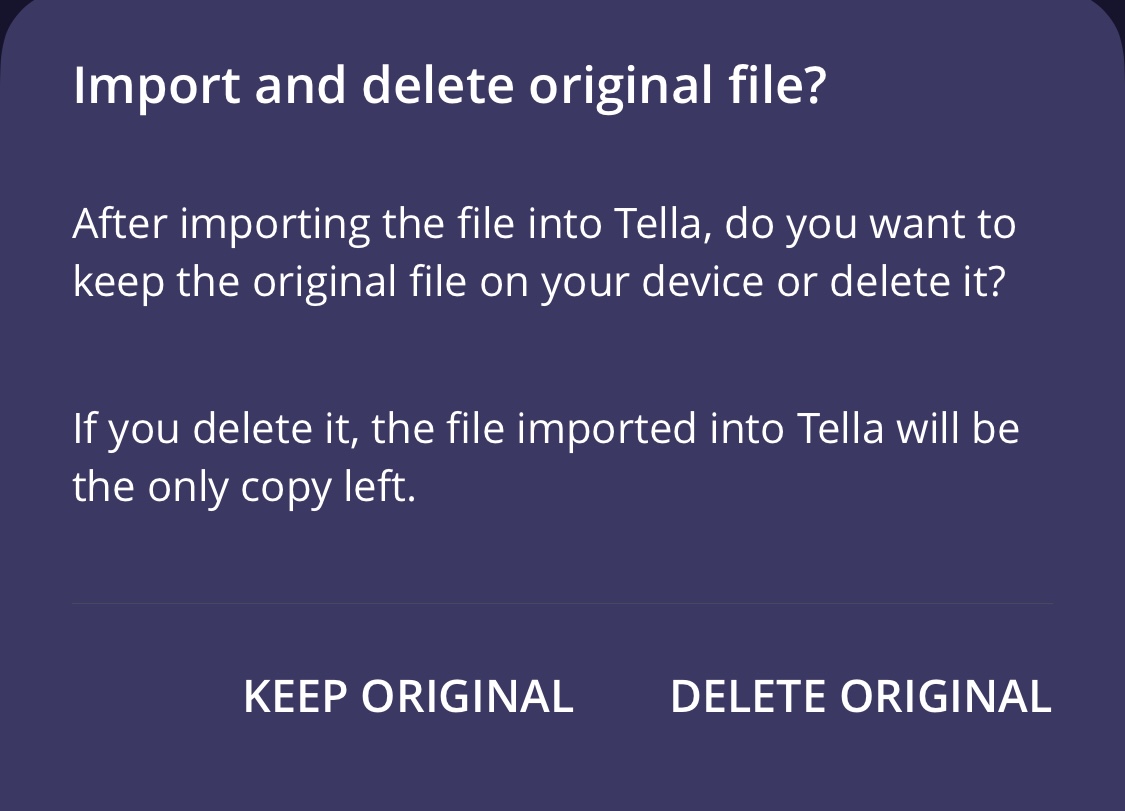
Create new folders from "All files → + → Create new folder", or import existing folders from your device to store them encrypted.
6. Share information
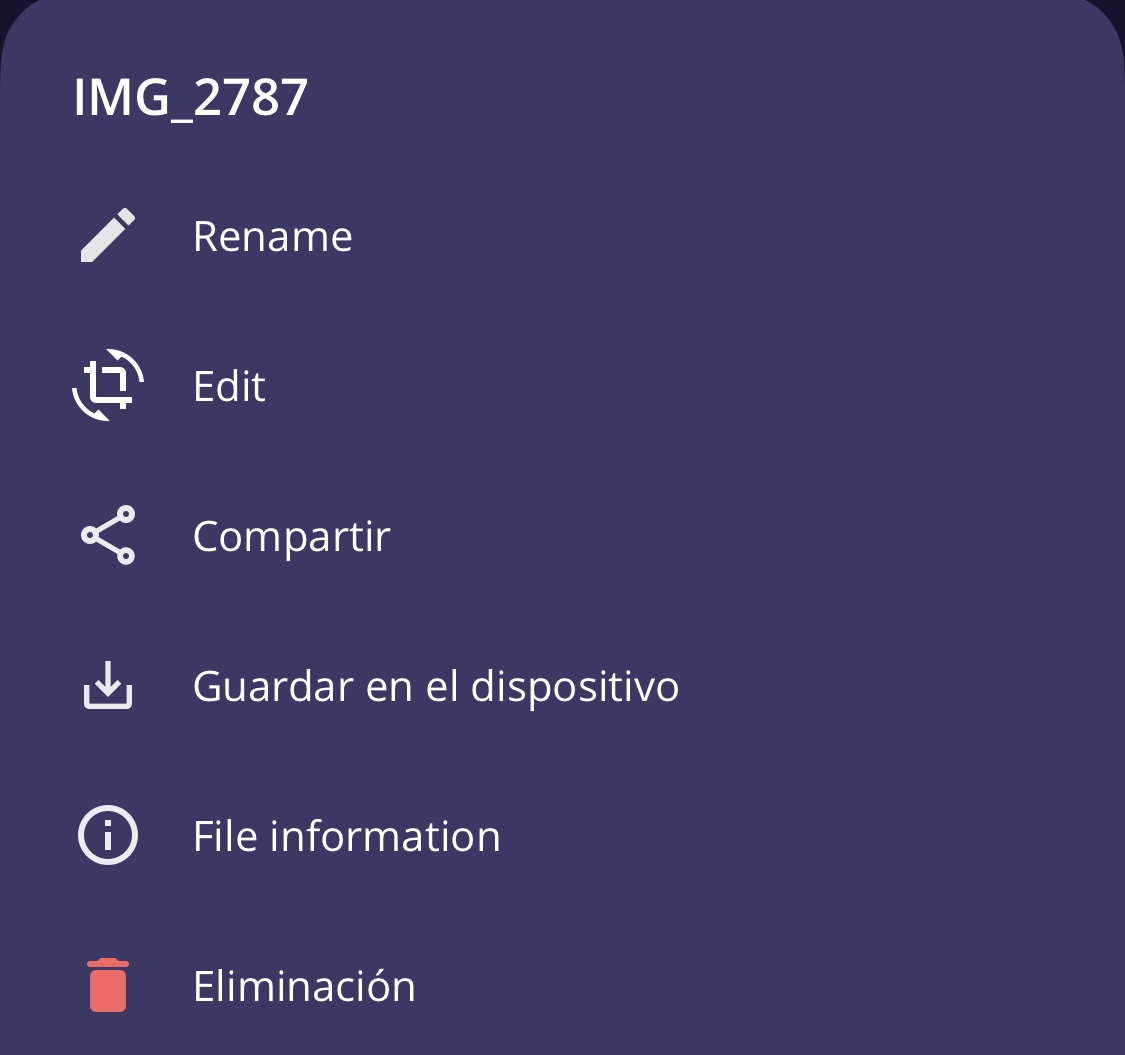
Select the files you want to share and use the share button.
Tella sends files unencrypted when you share them. Use disappearing messages or delete the shared content afterward.
Additional tips
- Use the camouflage features to hide the app
- Turn on emergency quick deletion
- Add metadata to give evidence context
- Practice using the app before a field situation