
1. Install OONI and complete the initial onboarding
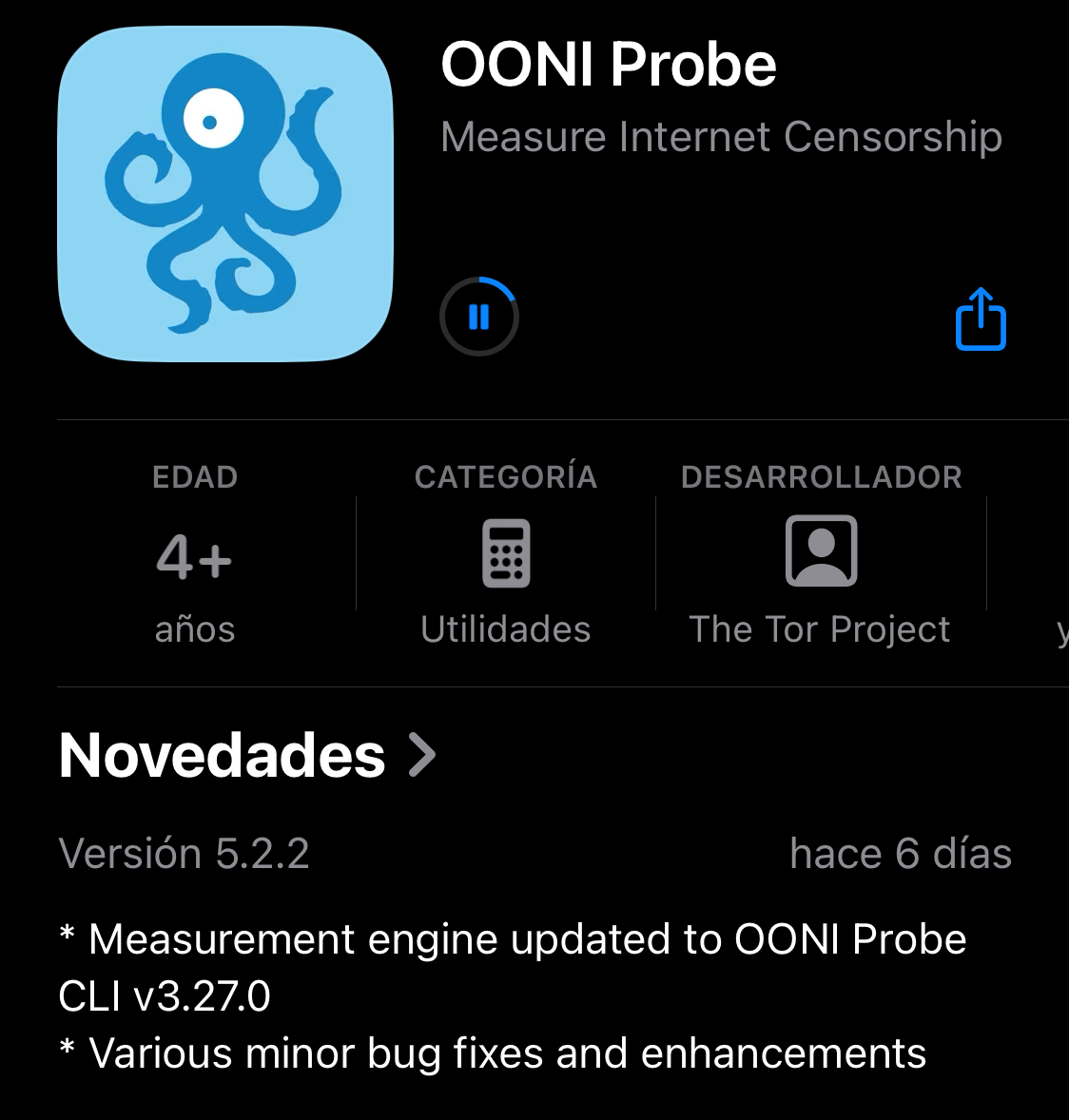
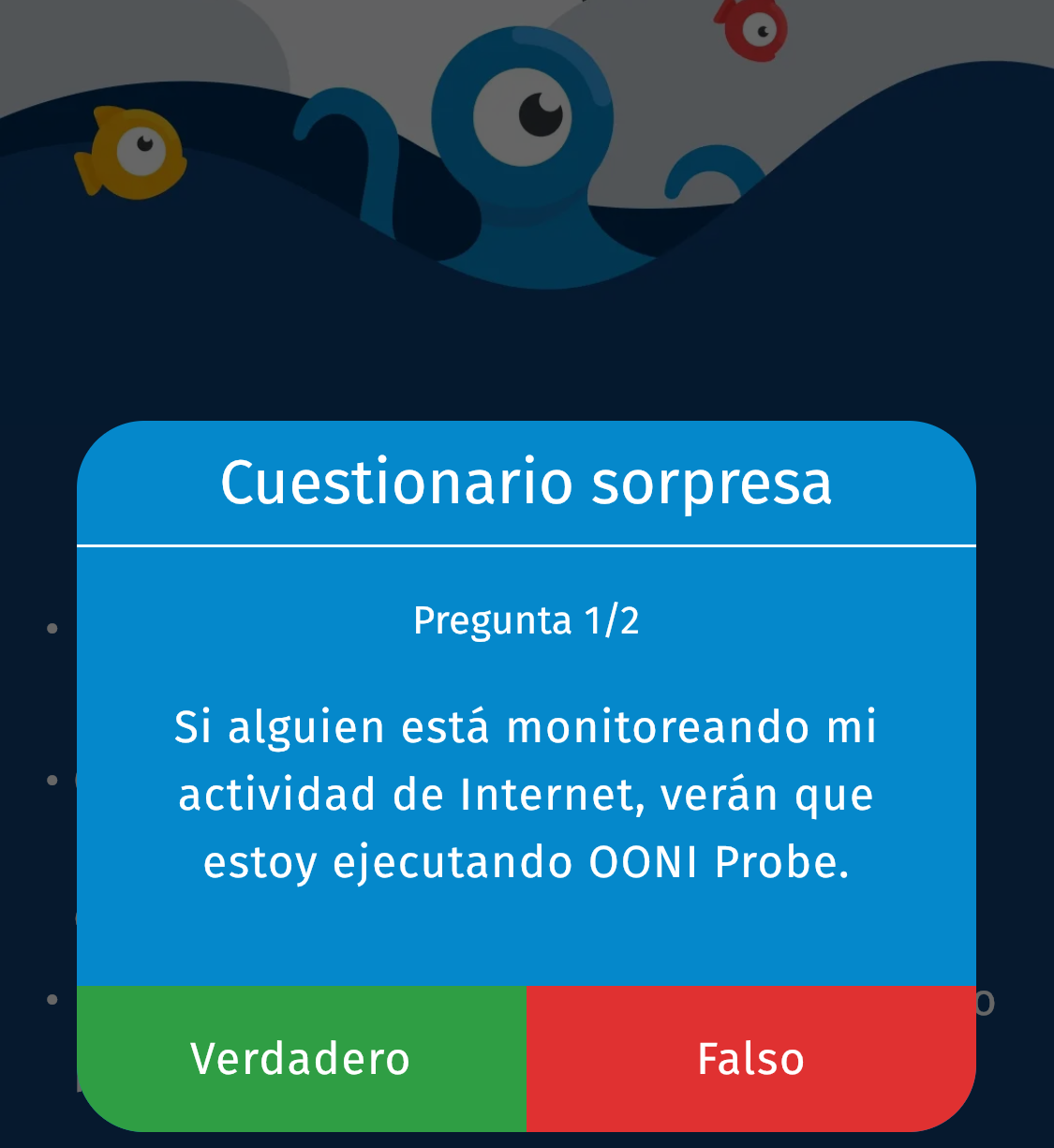
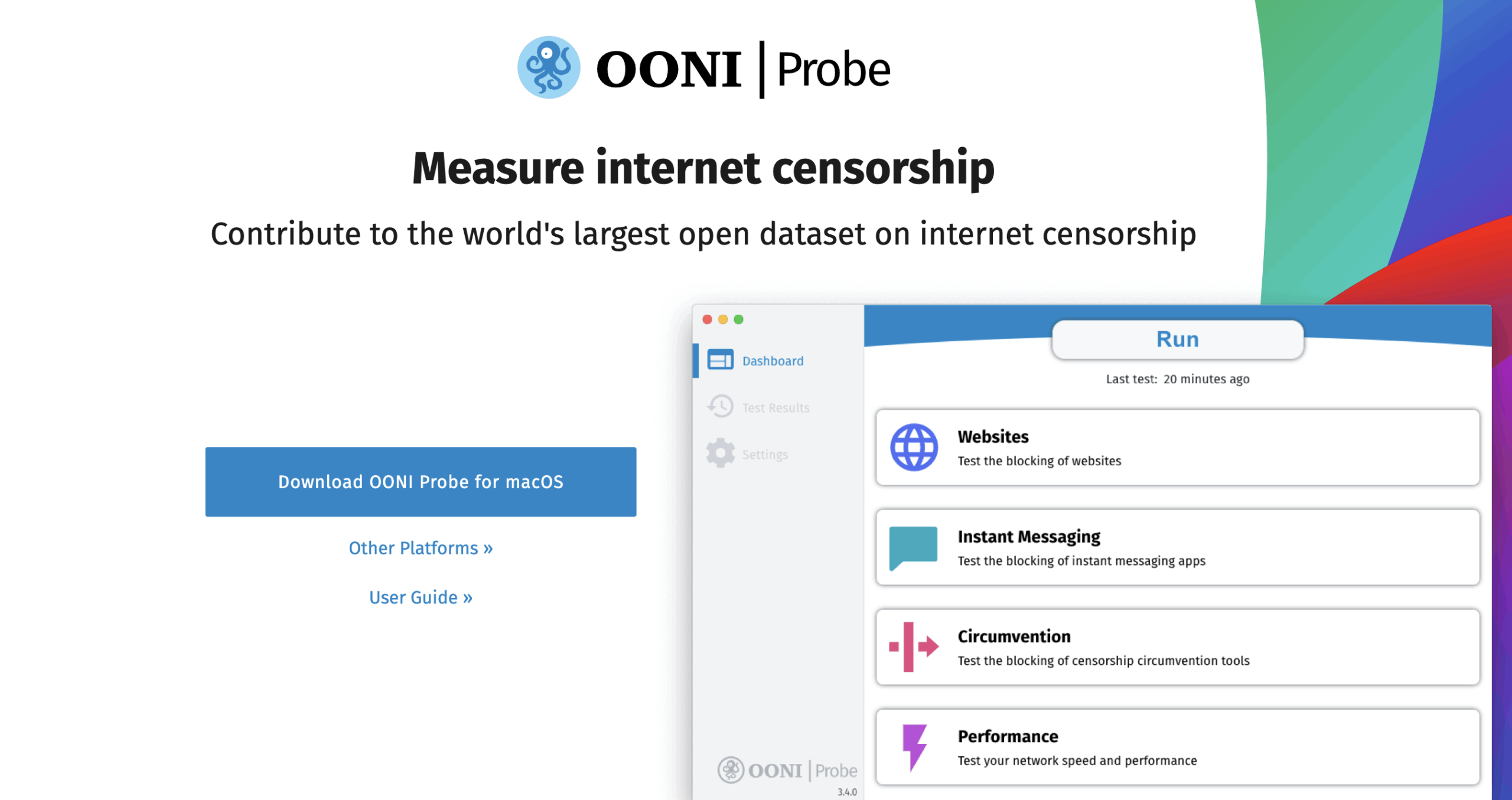
Download from Google Play, F-Droid or the App Store. The desktop version is available at ooni.org/install/desktop. Complete the onboarding process, including reviewing the consent screen.
OONI is not a privacy tool: network monitors can detect its use.
2. Run manual tests
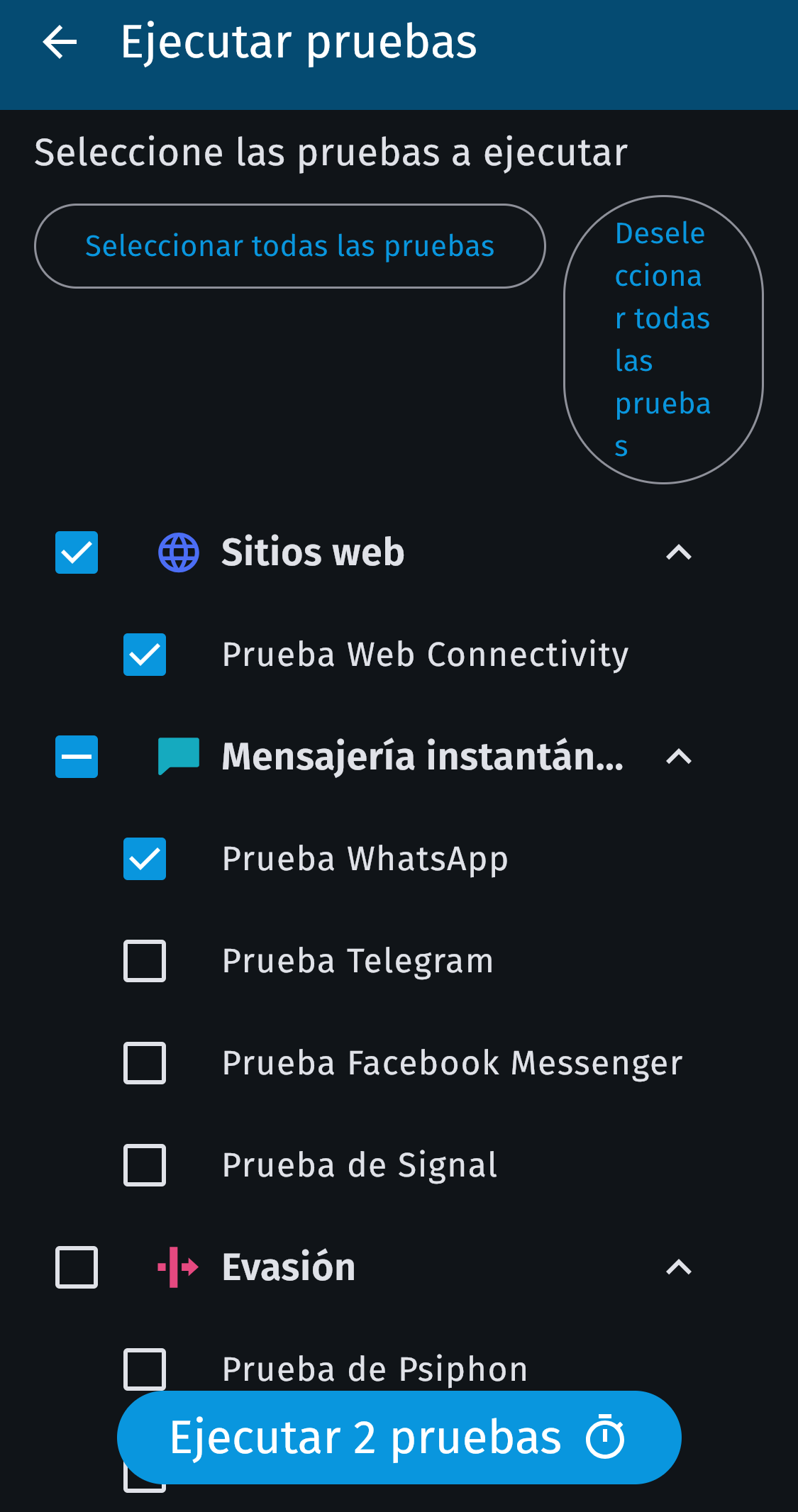
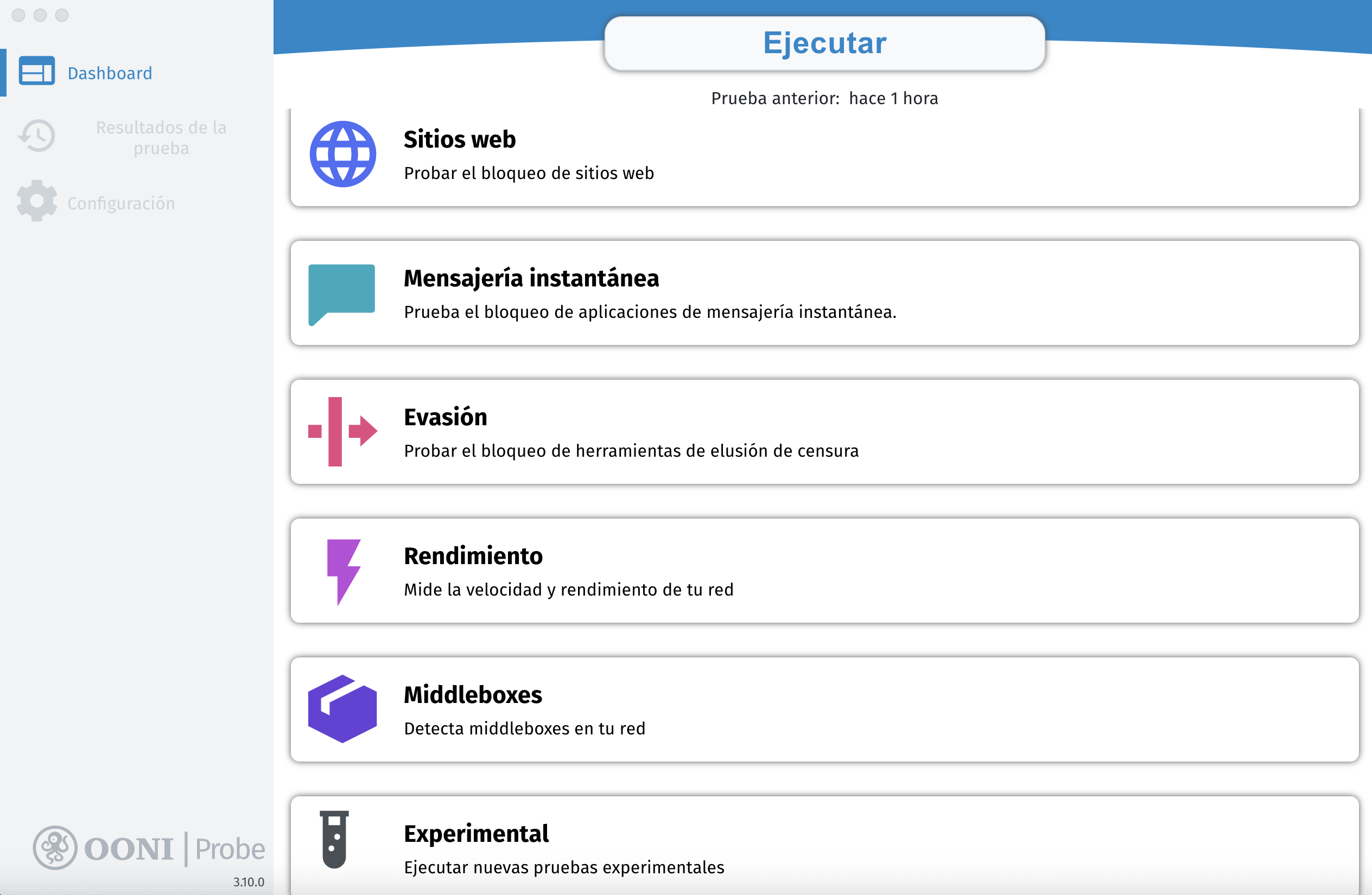
You can choose and run specific tests from the main interface, on mobile or desktop, selecting only the ones you need to save data.
3. Choose the right tool
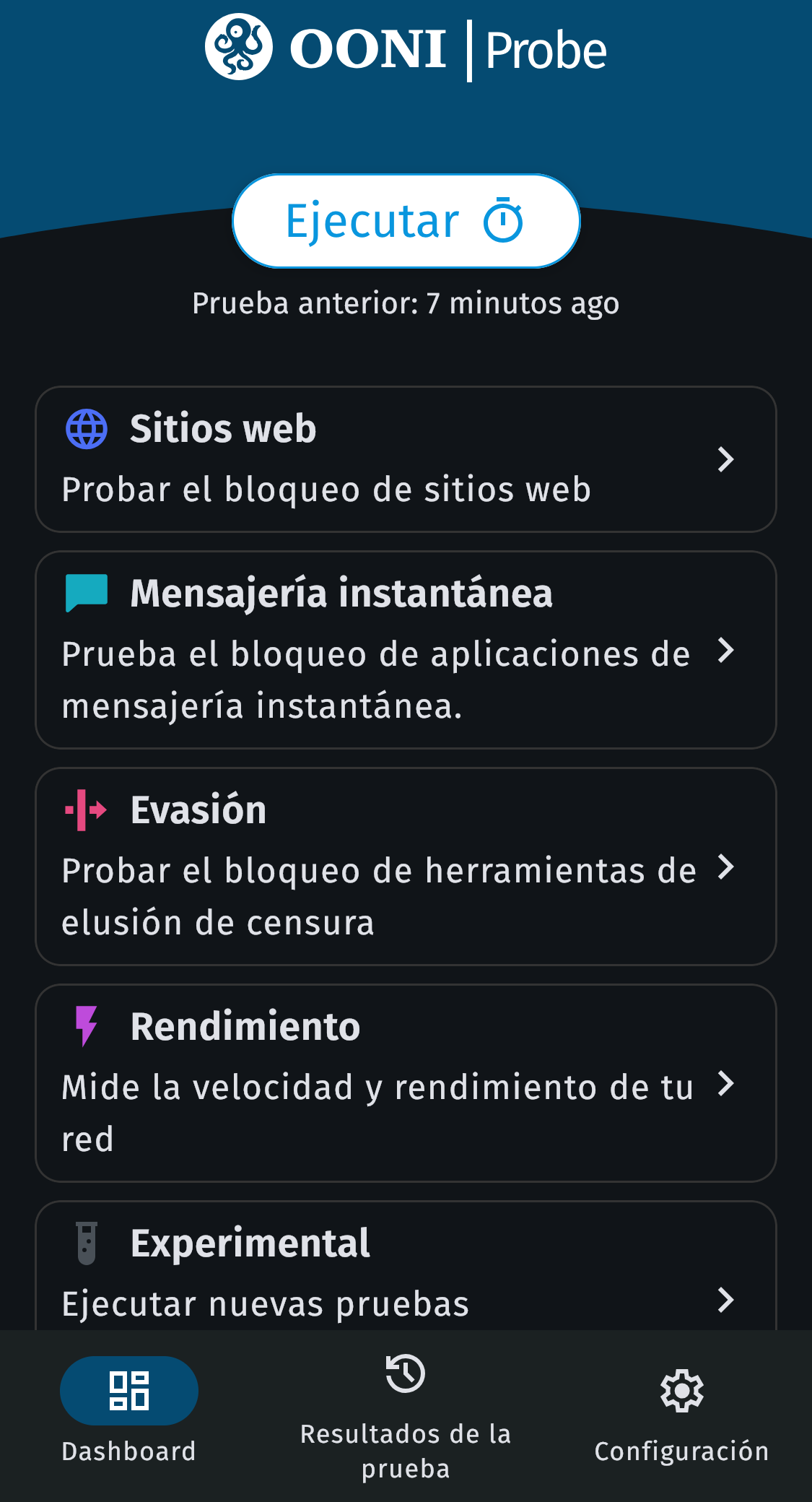
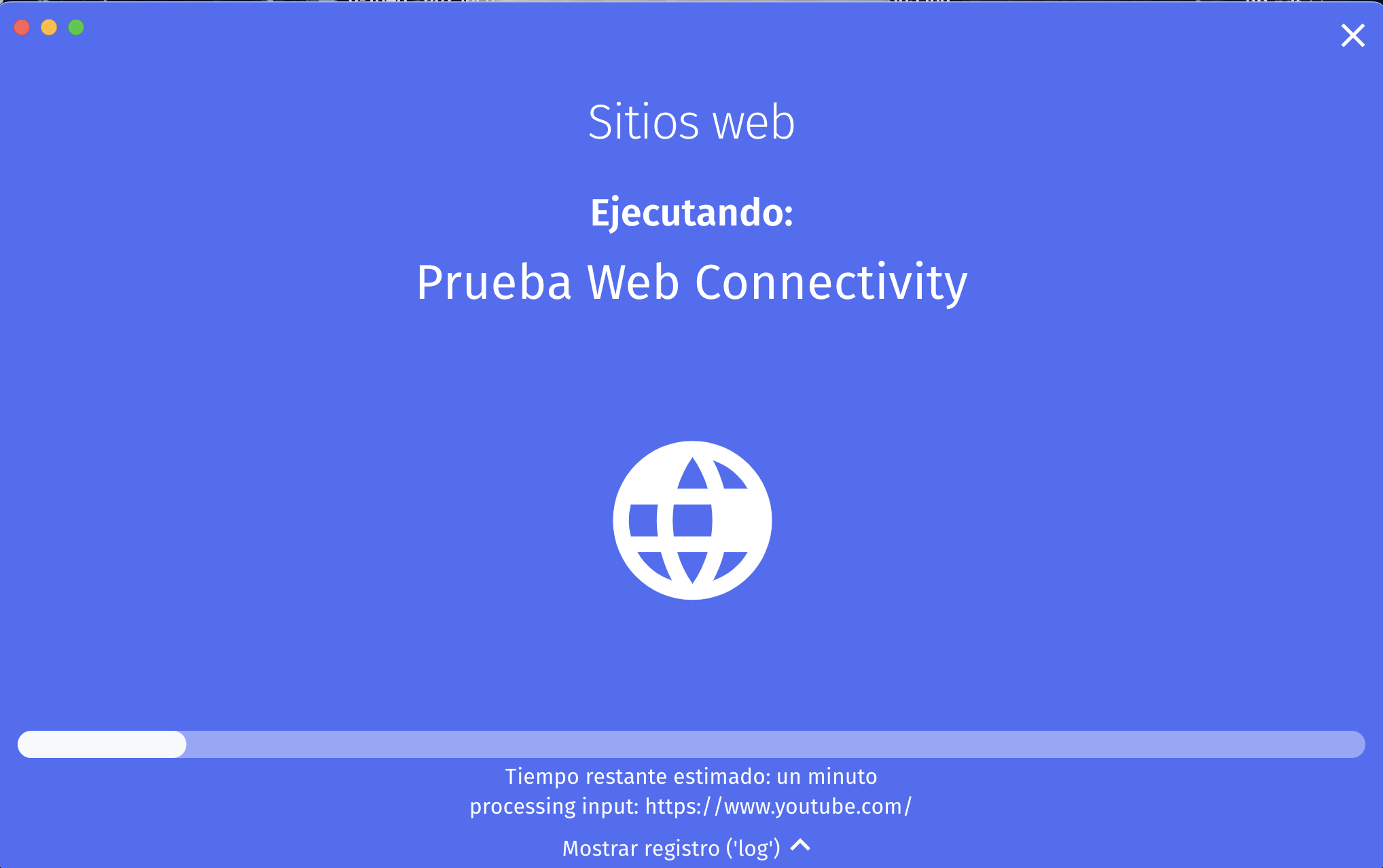
- Websites: Web Connectivity detects DNS, HTTP or TCP blocking
- Messaging: checks the status of WhatsApp, Telegram, Signal, Messenger
- Circumvention: tests the accessibility of Tor and Psiphon
- Performance: measures speed (NDT), video (DASH) and middleboxes
4. Automate testing
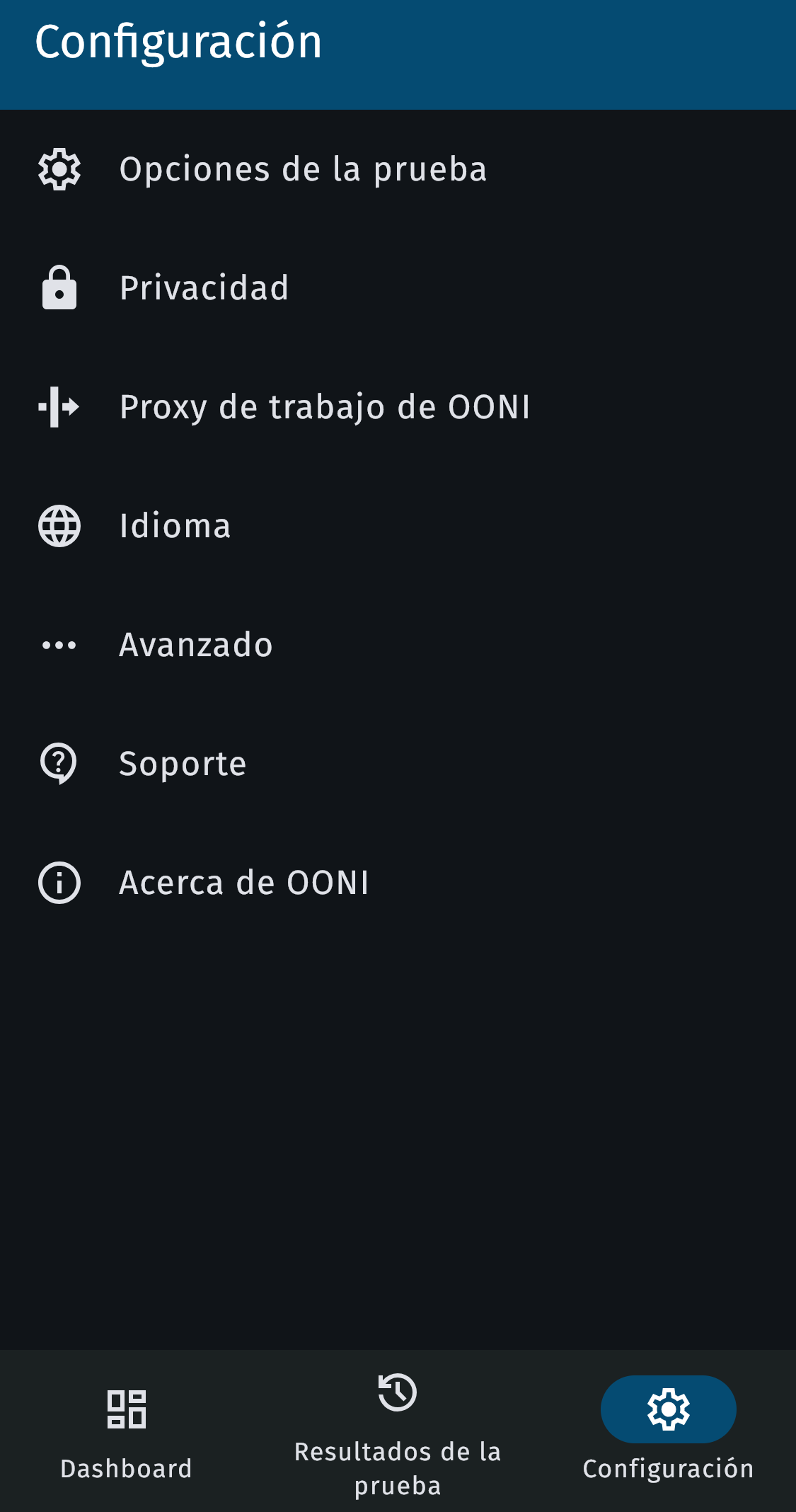
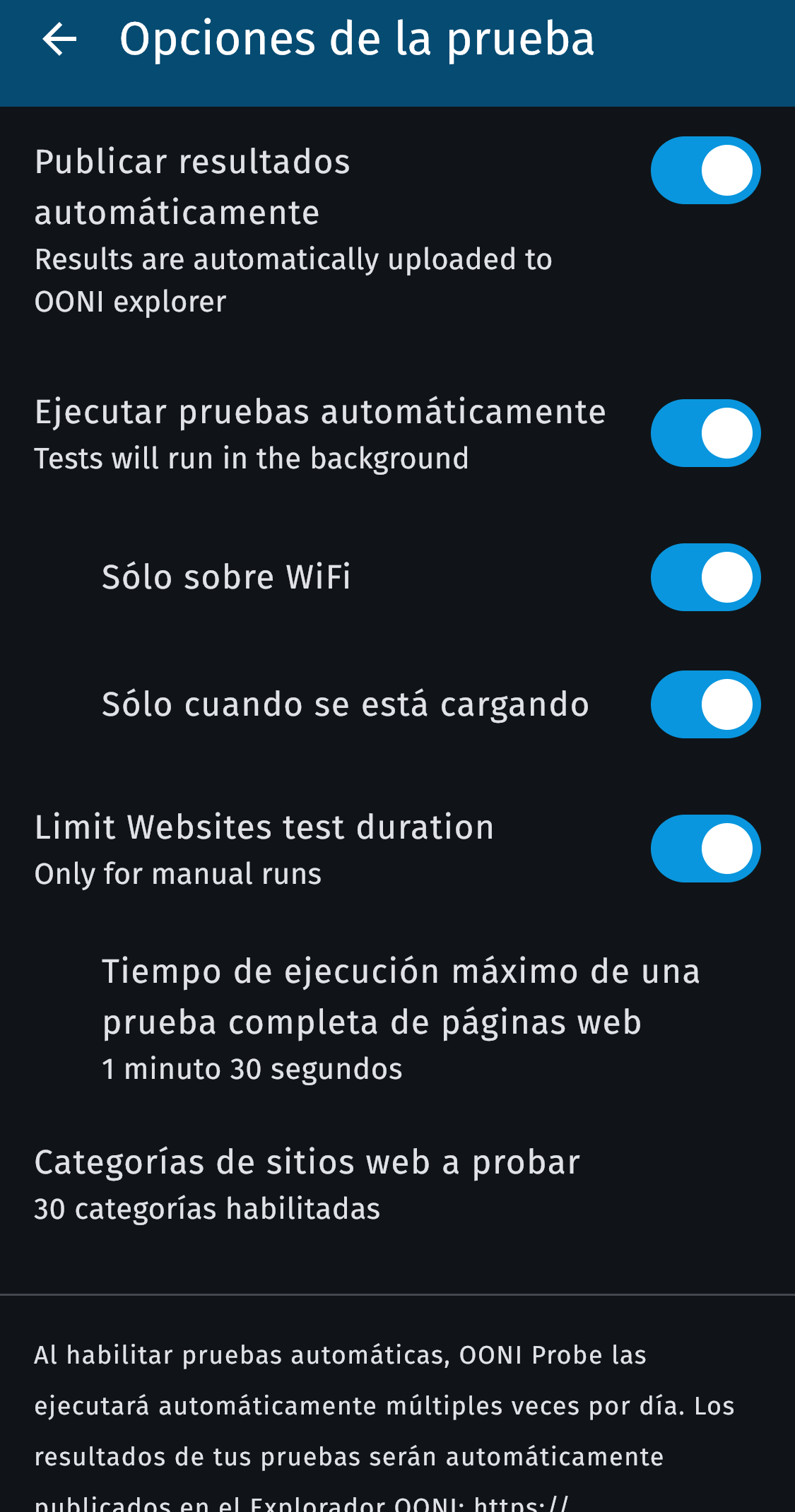
Go to Settings → Test options → Enable automatic testing (usually every hour, on wifi and while the device is charging).
5. Create custom lists with OONI Run
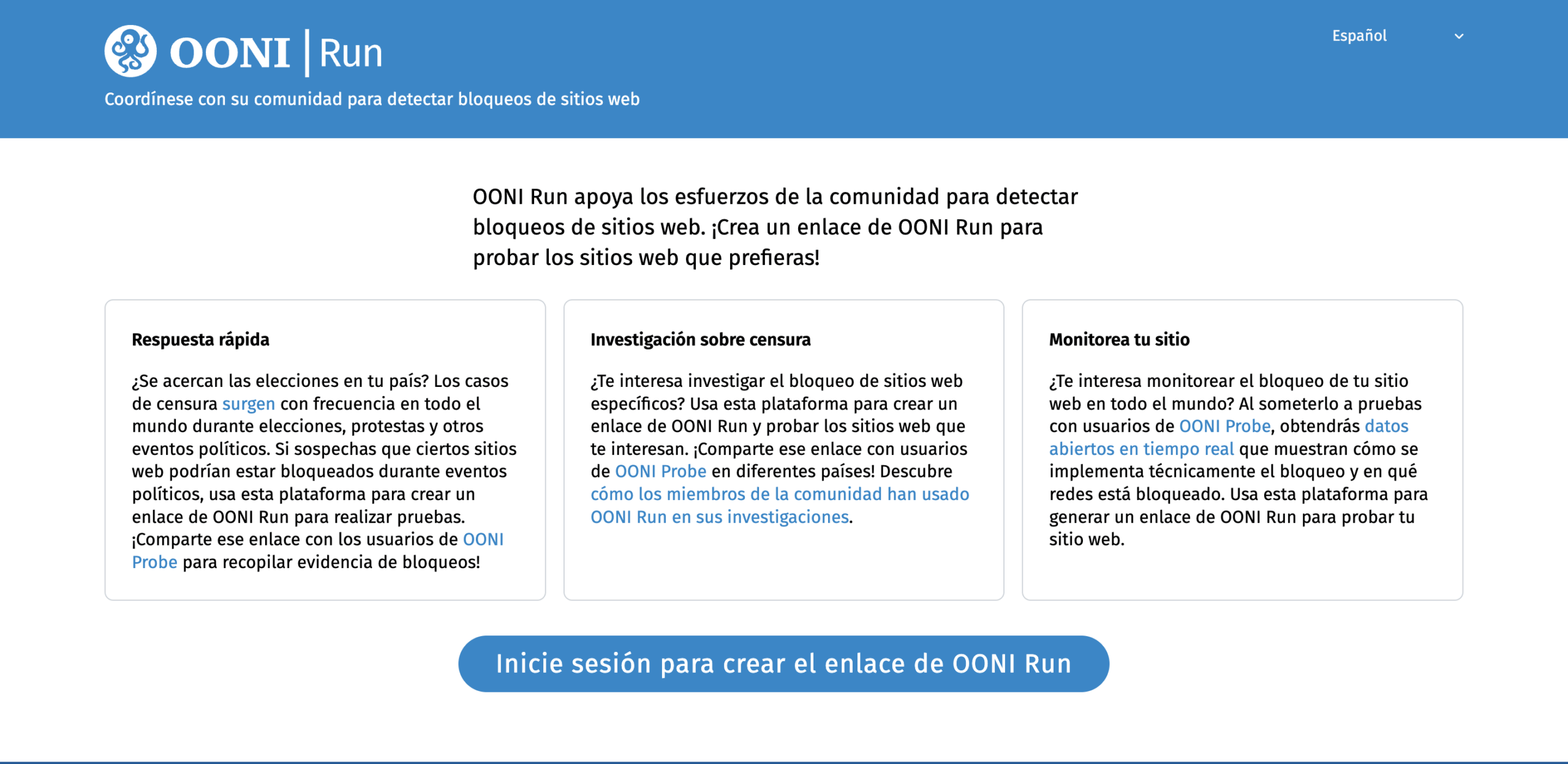
Visit run.ooni.org to generate shareable links and run batch tests on specific URLs.
6. Review and share results
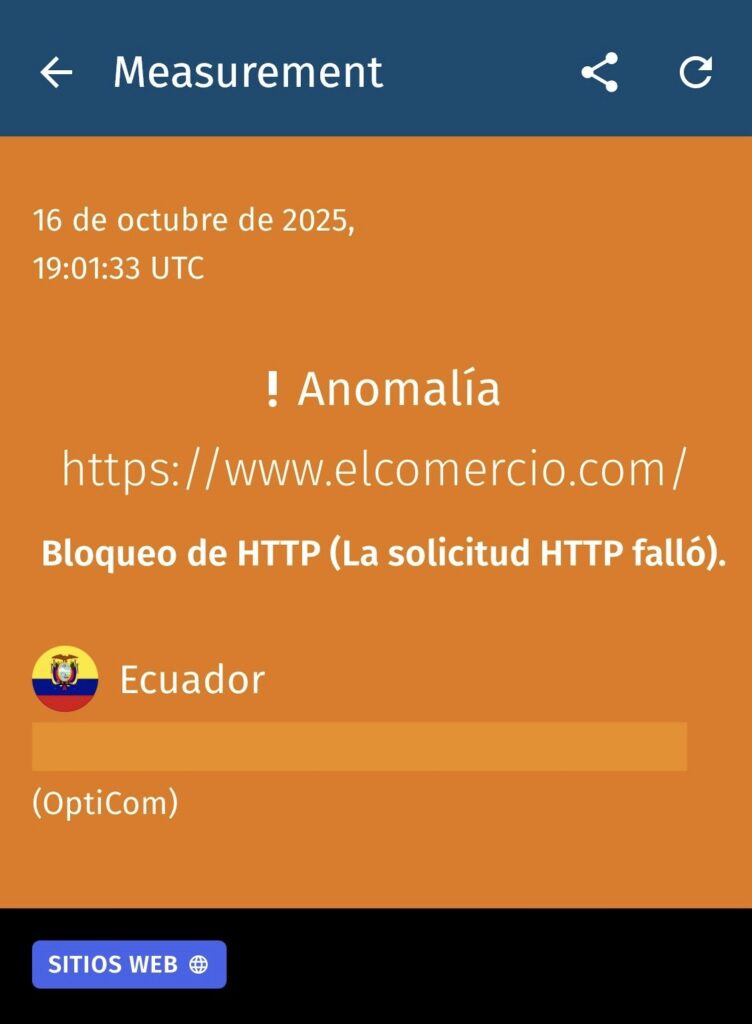
Go to the results tab to see accessibility status; share findings via OONI Explorer links as technical evidence.
7. Final tips
- NDT and DASH publish IPs for research purposes, regardless of your privacy settings
- Customize which categories are tested automatically
- Use OONI Explorer's search filters to narrow down measurements