
1. Installing on Android
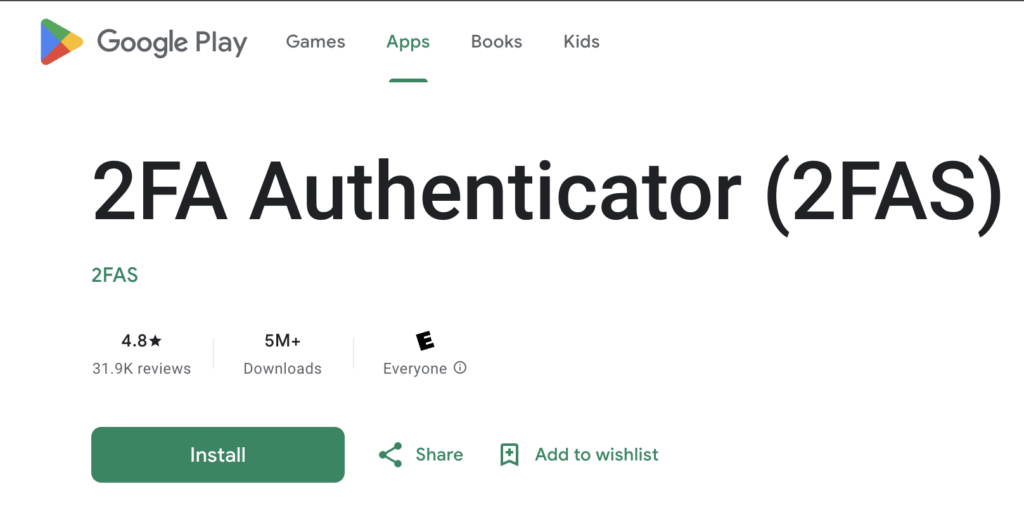
Go to Google Play Store or F-Droid, search for the app, verify the developer is "Two Factor Authentication Service Inc.", and install it.
2. Installing on iOS
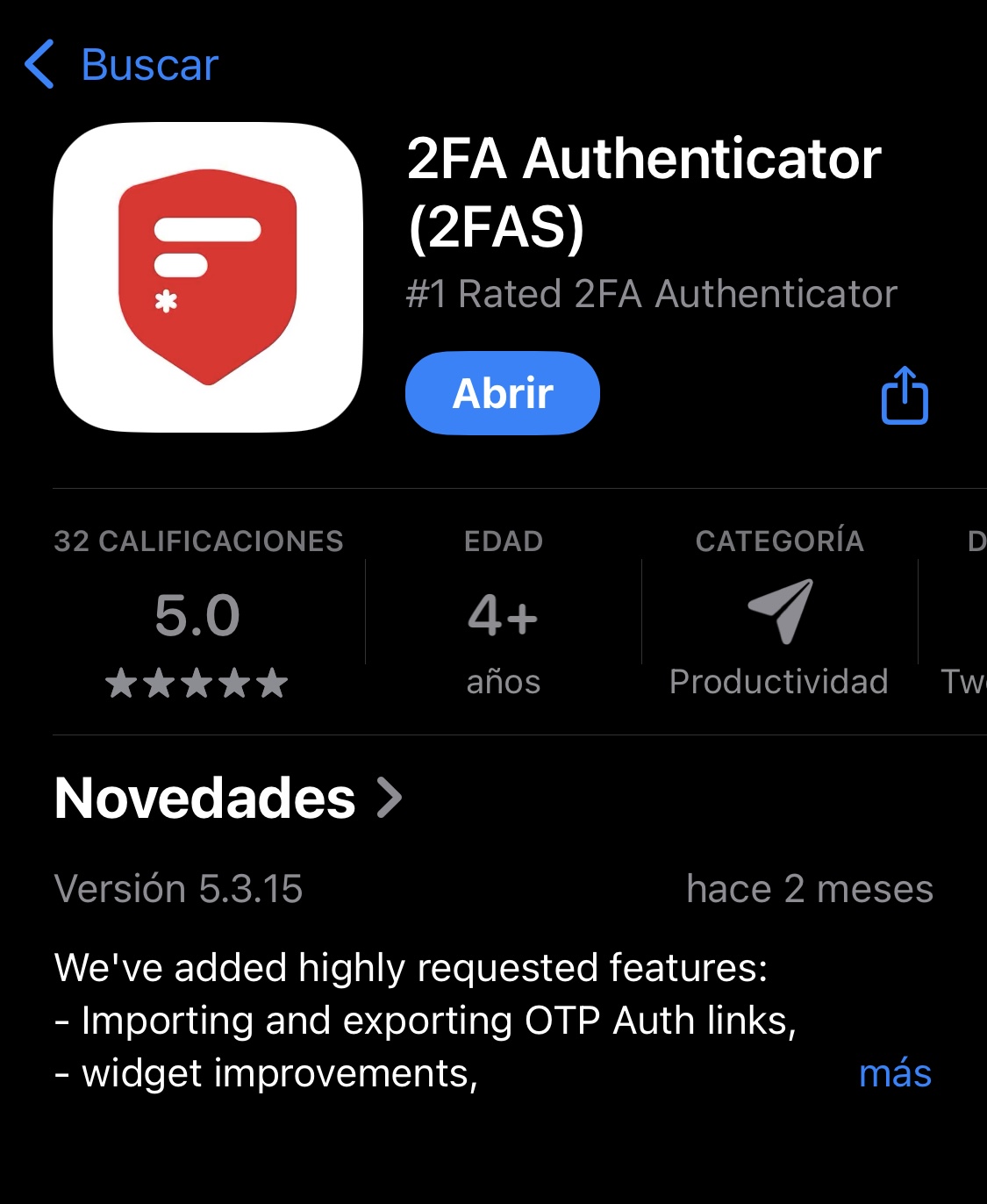
Open the App Store, search for the official app, tap "Get" and authenticate with Face ID, Touch ID or your Apple ID password.
3. Initial security setup
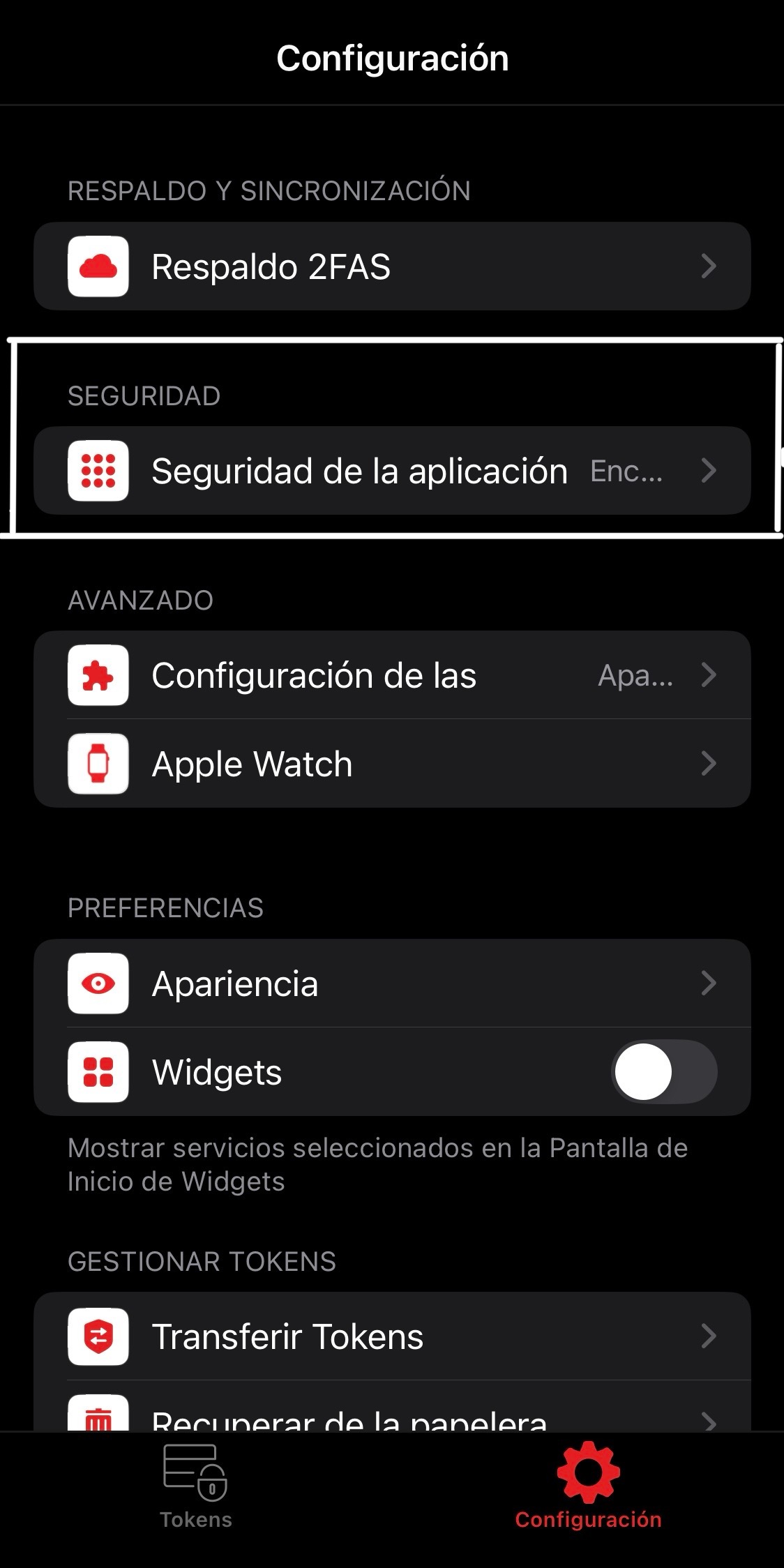
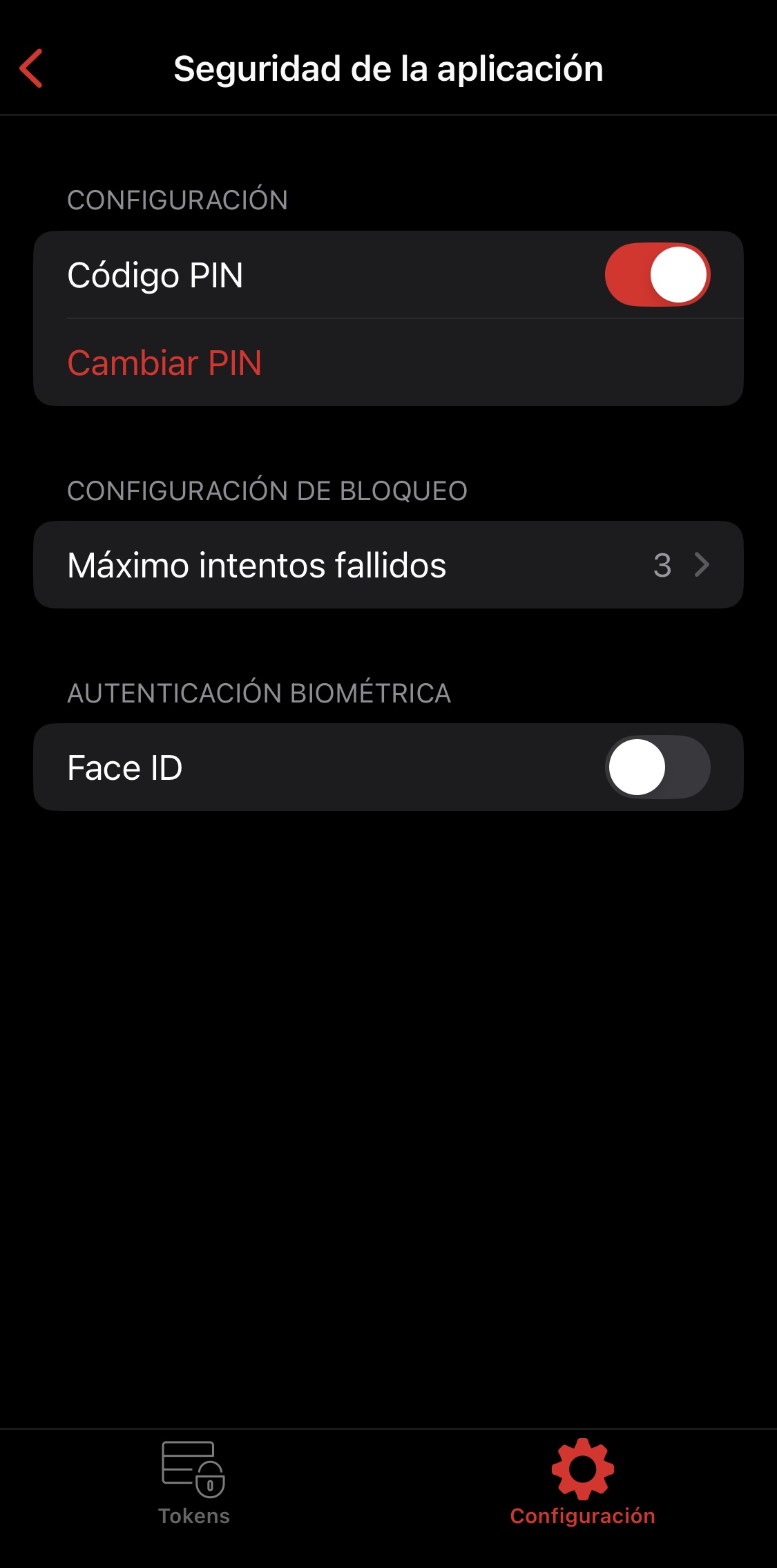
Open the app and set up a PIN or biometric protection. Go to Settings → Security; PIN is recommended as the preferred method.
4. Add a new account
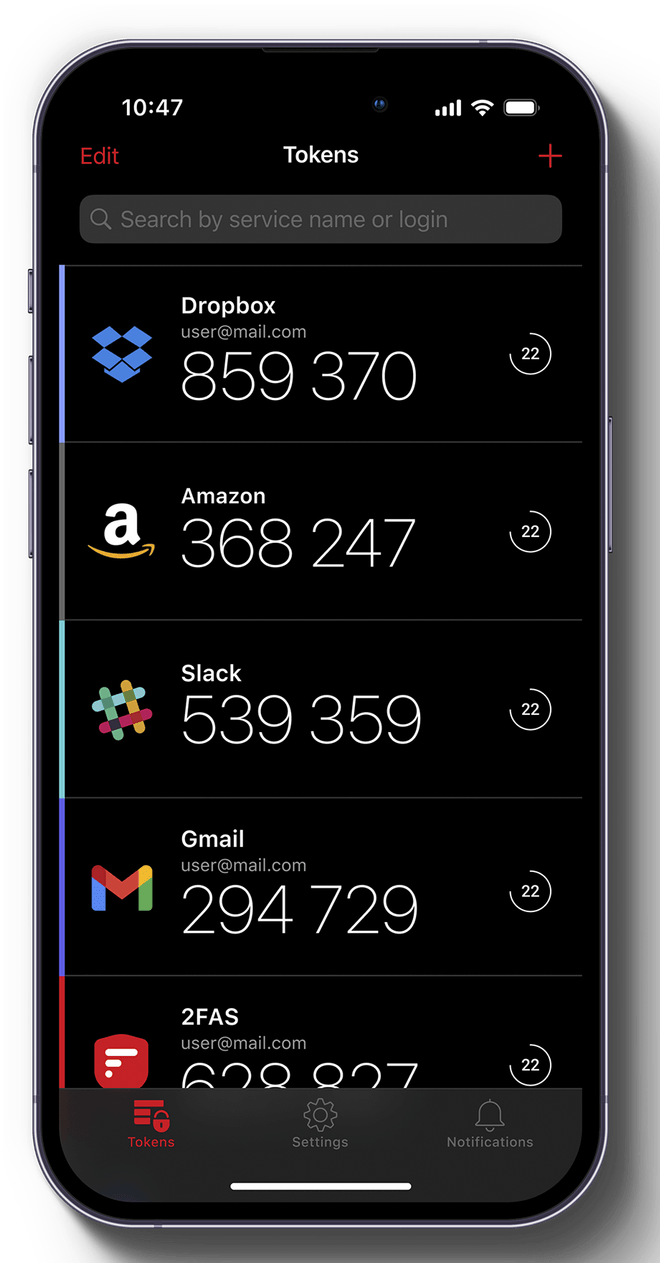
Turn on 2FA on the service you want to protect, tap the "+" icon in 2FAS, scan the QR code shown to you, store the recovery codes somewhere safe, and verify with the temporary code that appears.
5. Best practices
- Turn on 2FA on all your important services
- Keep encrypted backups of your tokens
- Use strong passwords for your cloud accounts
- Avoid saving screenshots of QR codes
- Update the app regularly
- Use 2FAS's migration features when switching devices