
1. Install Riseup VPN
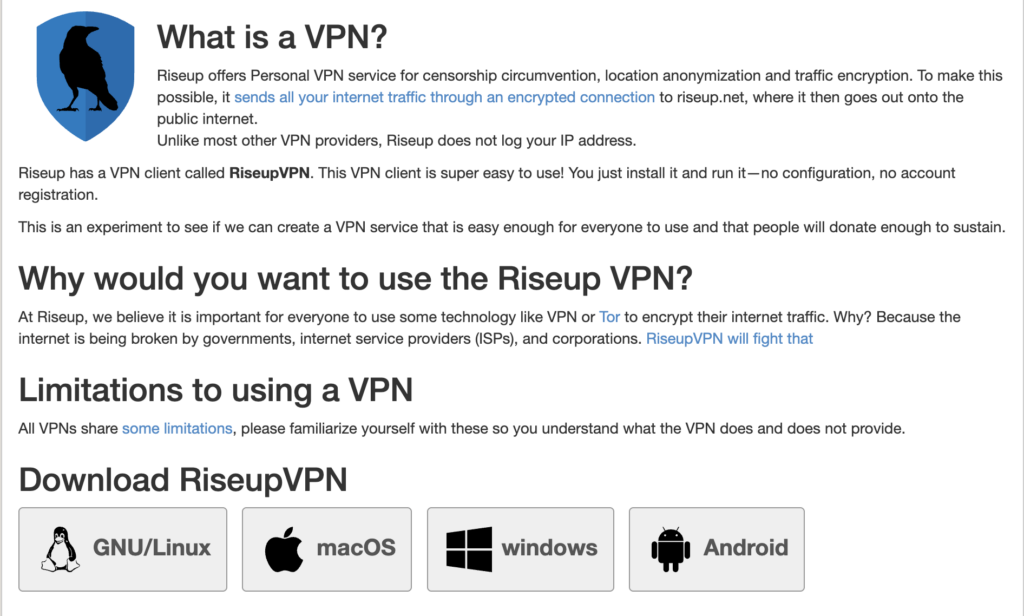
Download the installer from riseup.net/vpn for your operating system, run the file and follow the installation wizard's steps.
2. Establish the VPN connection
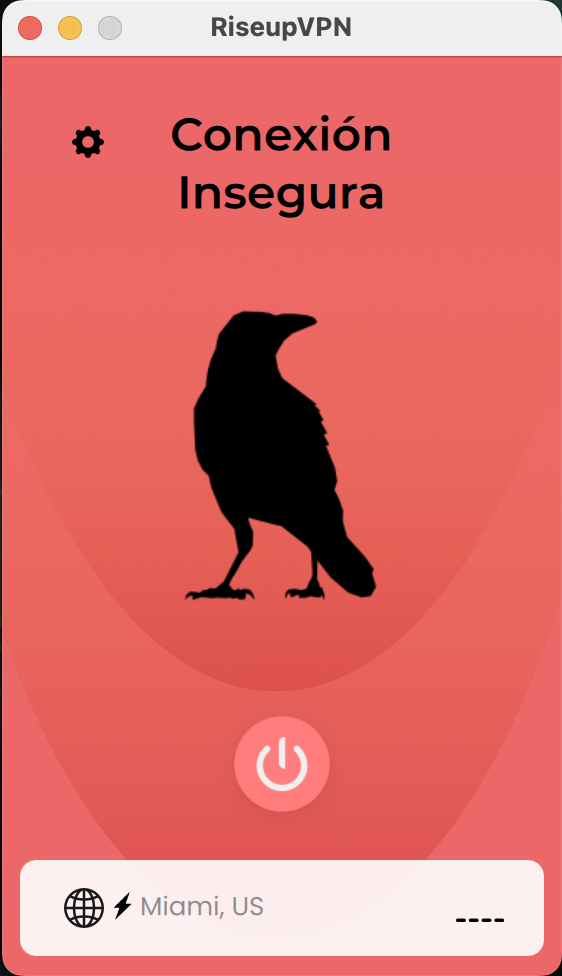
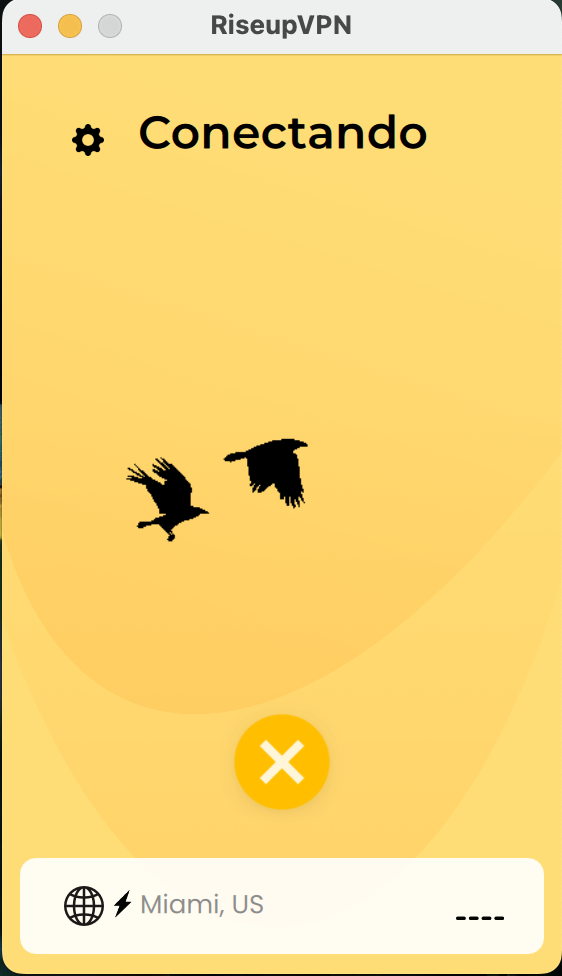
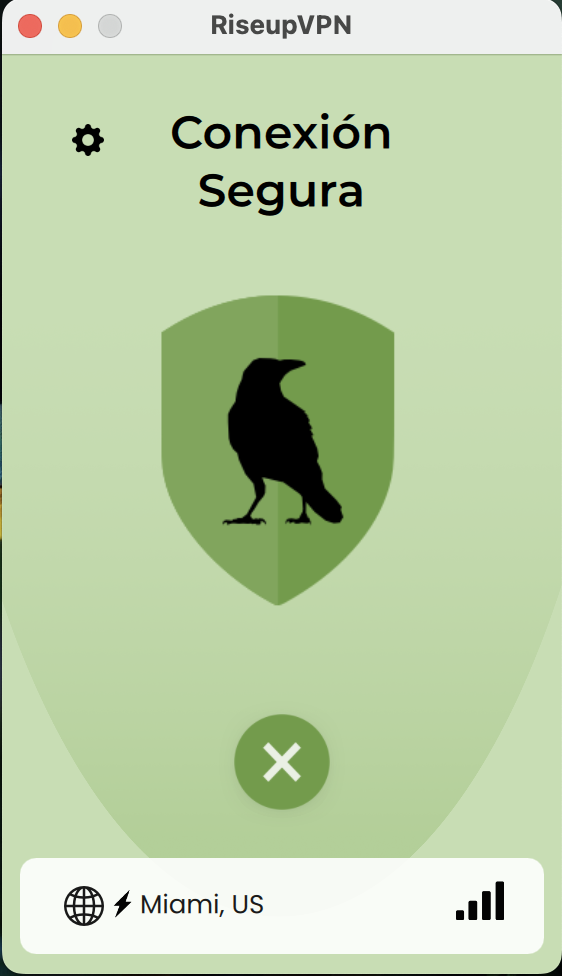
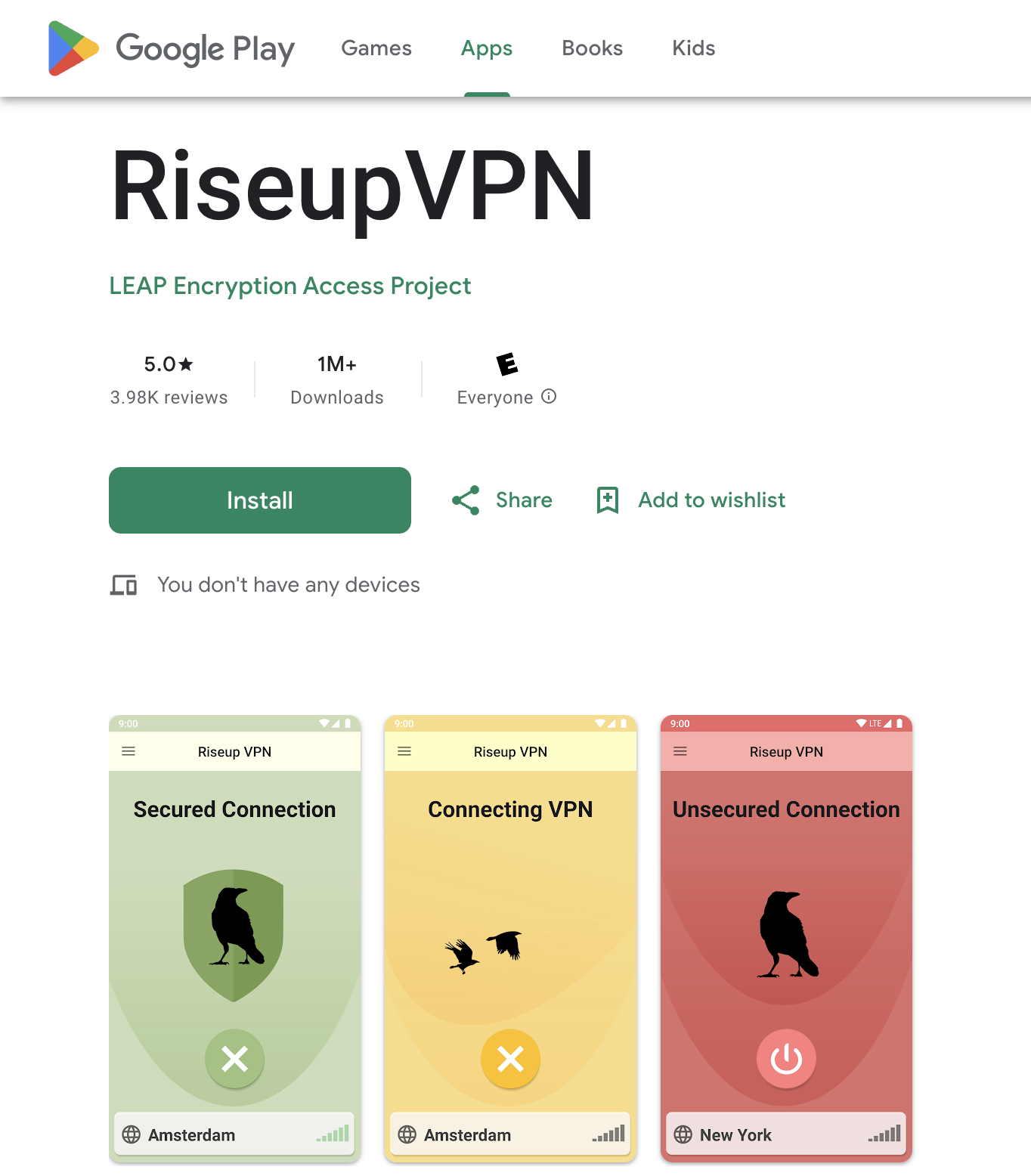
After installing, open the app and click "Connect". The app shows a color-coded status indicator:
- Red: disconnected or having issues
- Yellow: unstable connection or connecting
- Green: VPN active and working correctly
3. Installing on Android devices
Download from Google Play Store, open the app, press "Connect" and accept the secure connection requests.
Riseup VPN isn't available for iOS. Orbot/Tor is recommended as an alternative for Apple devices.
4. Final recommendations
Keep the software updated, set it to start automatically, and check your mobile permissions to prevent it from being closed in the background.