
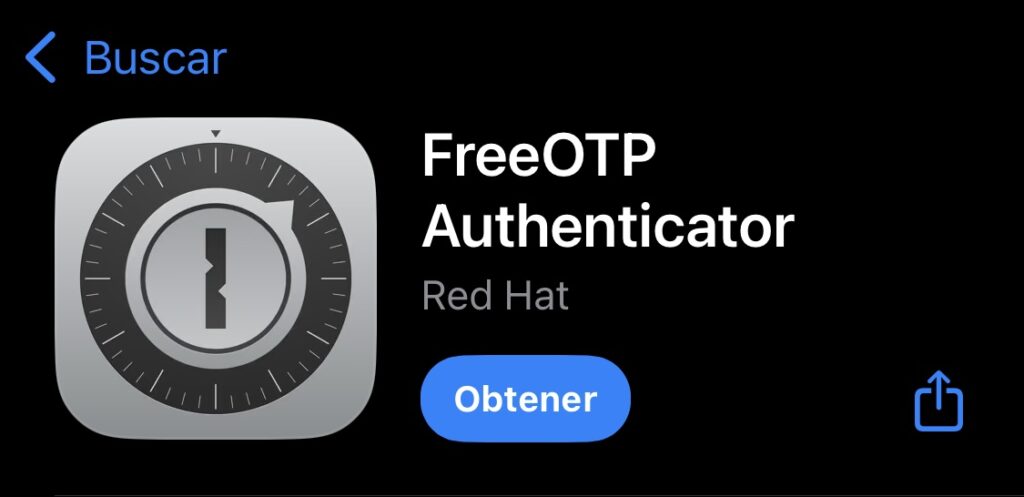
Step 1: Download FreeOTP
Get it from the App Store, Google Play or F-Droid on your mobile device.
Step 2: Turn on two-factor authentication
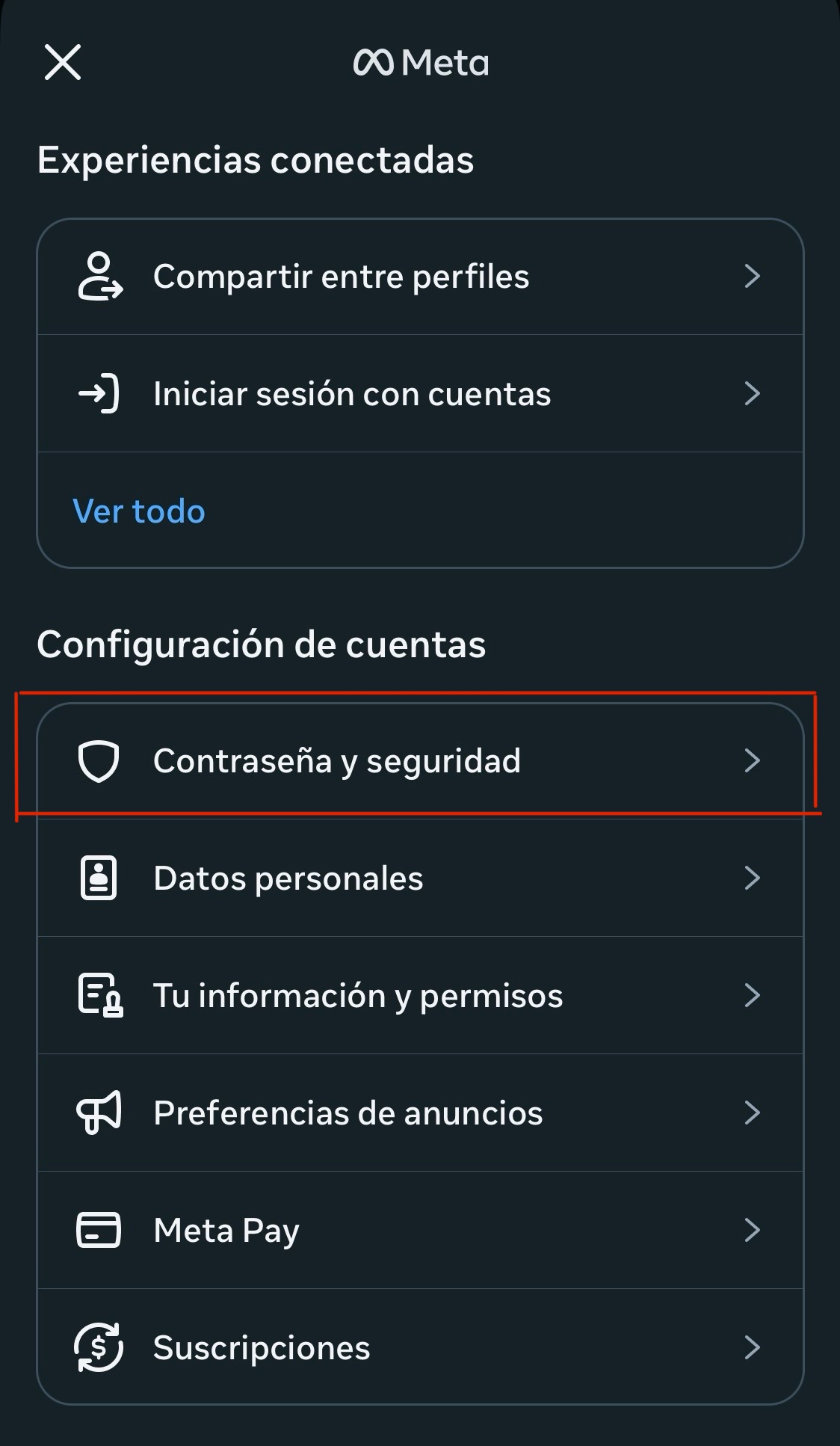
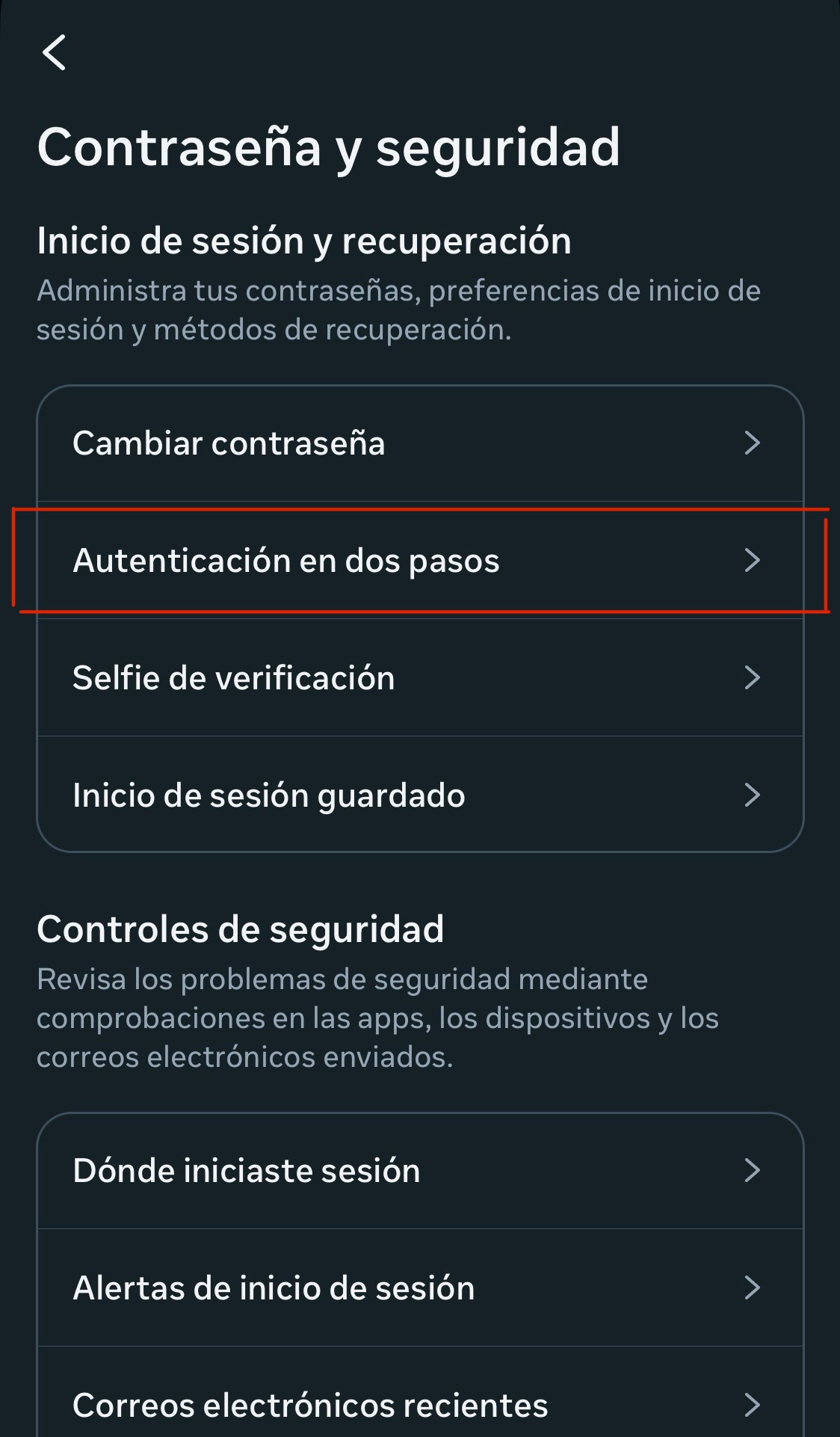
Log in to your account from the browser or app, and go to the security settings. Facebook, Instagram, TikTok and X (Twitter) each have their own menu path to turn on the feature.
Step 3: Set up FreeOTP
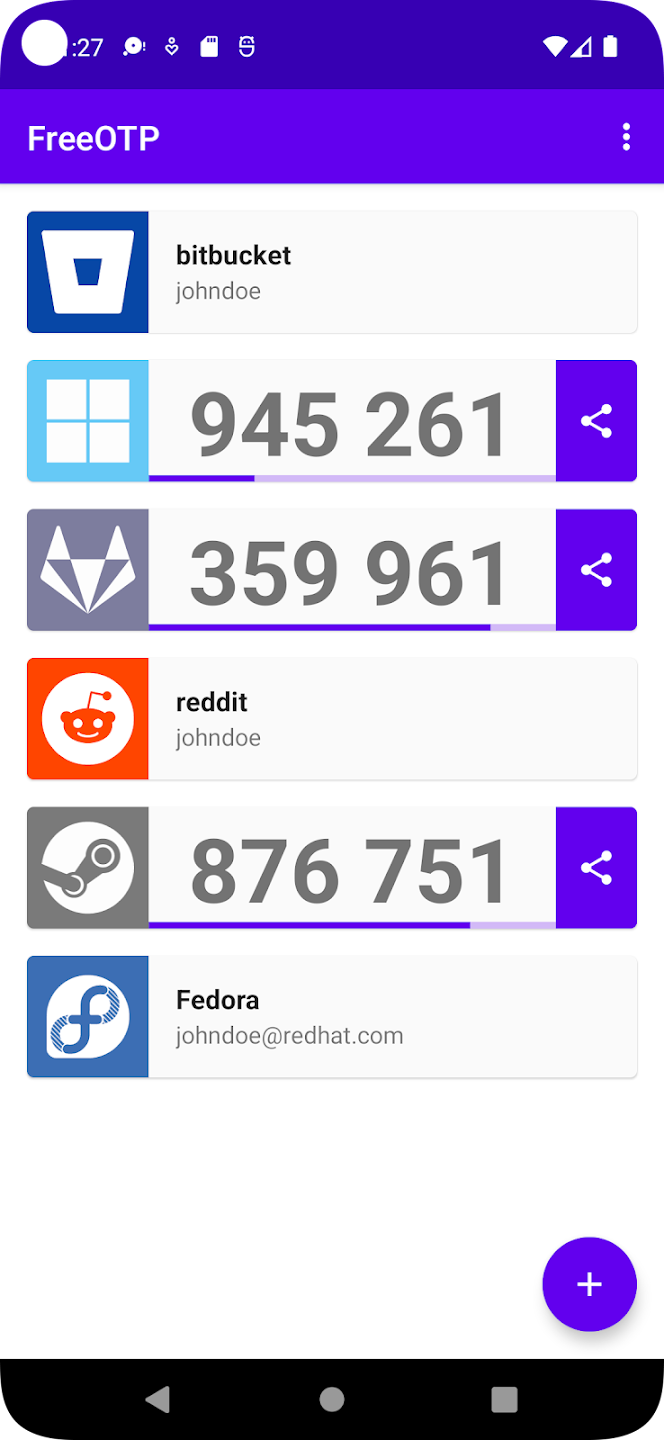
Open FreeOTP and use the "+" button to add a new account. Scan the QR code the platform shows you, or enter the alphanumeric key manually if you can't scan. The app generates codes that refresh every 30 seconds.
Step 4: Verify the setup
Go back to the platform's settings page and enter the current FreeOTP code into the verification field to confirm.

Step 5: Final tips
- Store recovery codes somewhere safe, like a password manager
- Back up the app and its key
- Test logging in from another device to confirm it works